⚠️ This page connects you to Atovia’s partners and affiliate markets. We may receive a commission from affiliate partners for activities made through these links. Discount offers may change at any time according to policy! Rest assured, there are no additional costs to you! We hope this saves you time in finding the right items!
- What a Discord Movie Night Channel Needs
- Before You Start: Server, Permissions and Gear Checklist
- Step 1: Create the Movie Night Text Channel
- Step 2: Create the Movie Night Voice Channel
- Step 3: Set Roles and Permissions
- Step 4: Stream the Movie with Go Live
- Step 5: Fix Black Screens and Missing Audio
- Step 6: Pick Movies with Polls and Schedule Events
- Quality and Audience Limits to Expect
- Ways to Make Movie Night Feel Special
- Frequently Asked Questions
- Conclusion and Your Next Step
What a Discord Movie Night Channel Needs
A movie night setup is one text channel for chat and picks, plus one voice channel for streaming. Your friends live in different places, and you want one spot where everyone can press play together.
This guide works for small friend servers, hobby communities and clubs. It takes about ten minutes the first time.
- Two channels are enough: one text, one voice.
- Go Live is the feature that streams your screen to the voice channel.
- Audio sharing must be switched on, or viewers will see a silent film.
- Roles and channel permissions decide who is allowed to stream.
Before You Start: Server, Permissions and Gear Checklist
You need a server where you can manage channels, the Discord desktop app, and a movie you are allowed to play. Run through this short list first.
- The Manage Channels permission on your server.
- The Discord desktop app, which has the fullest streaming controls.
- A stable internet connection with decent upload speed.
- A streaming service or local file you have the right to play.
- Headphones, so the movie sound does not echo back through your mic.
One heads-up: some streaming services show a black screen when captured. Step 5 covers what to try.
Do I need Nitro?
No. Free accounts can stream, and several guides report the free default is 720p at 30 fps. Nitro adds higher resolution and frame rate options, which is a nice extra but not a requirement.
Step 1: Create the Movie Night Text Channel
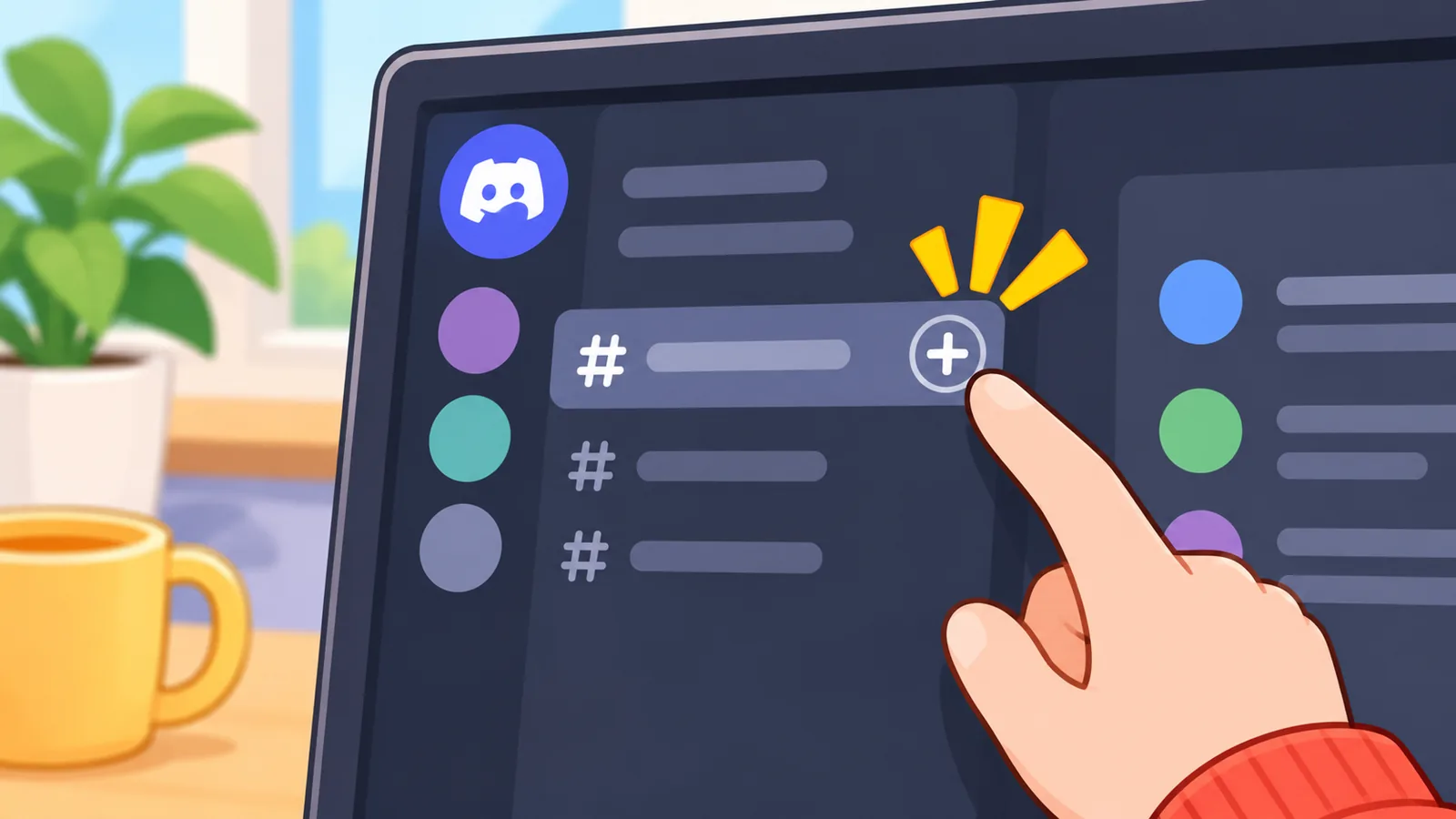
Click the plus icon next to the Text Channels category, choose Text, and give it a name. It takes under a minute.
- Open your server and click the plus icon beside Text Channels.
- Pick the Text channel type.
- Name it something clear, such as movie-night or movie-picks.
- Click Create Channel.
- Open the channel settings and add a topic line with your schedule and one or two rules.
Should I use a category?
Yes, if your server has other channels. A dedicated Movie Night category keeps the text and voice channels together, so members find them quickly.
| Channel | Type | Purpose |
|---|---|---|
| movie-picks | Text | Suggestions, polls, lineup |
| movie-night-chat | Text | Live reactions and talk |
| movie-night-voice | Voice | Streaming and watching |
Step 2: Create the Movie Night Voice Channel
Add a voice channel inside the same category, and viewers join it to watch together. This is where the stream actually happens.
- Click the plus icon beside the Movie Night category.
- Choose the Voice channel type.
- Name it, for example Movie Night Screen.
- Optionally set a user limit if you want a small, cozy group.
Stage channels exist for one-to-many events with speakers and an audience. For most friend groups, a normal voice channel is simpler, because everyone can talk freely during the film.
Step 3: Set Roles and Permissions
Create a Movie Night role, then decide whether everyone can stream or only the host. This keeps the film from being interrupted by a surprise screen share.
- Open Server Settings, then Roles, and create a role named Movie Night.
- Assign it to the members who want reminders.
- Open the voice channel’s permissions.
- Allow or deny the Video permission (the one that covers screen sharing), plus Speak and View Channel as needed.
| Setup | Who can stream | Risk of interruptions | Best for |
|---|---|---|---|
| Open channel | Anyone | Higher | Casual friend groups |
| Host-only | Host only | Low | Scheduled movie nights |
| Role-gated | Members with the role | Medium | Rotating hosts |
A few moderation habits help. Post a short rules message, ask people to keep chatter spoiler-free, and mute mics during quiet scenes if the group is large.
Step 4: Stream the Movie with Go Live
Join the voice channel, choose the window or screen showing the movie, turn on audio sharing, and click Go Live. Discord’s own guide describes sharing any application window or your entire screen this way.
- Join the movie night voice channel.
- Open the movie in a browser tab or media player first.
- Click the screen share icon in the voice panel.
- Pick the window or the whole screen.
- Choose resolution and frame rate, and make sure audio is enabled.
- Click Go Live.
Window or full screen?
Sharing a single window keeps notifications and other apps off the stream. Sharing the entire screen is easier if you switch between players, but everything you do is visible.
🛒 Recommended Product
How do friends watch?
They join the voice channel and click your stream to watch. They can adjust the stream volume on their side, or open it full screen.
For a smaller watch party, you can do the same thing from a DM or group DM call.
Step 5: Fix Black Screens and Missing Audio
Most problems come from browser hardware acceleration, protected video windows, or Discord not capturing the right audio. Test with a short clip before the real start.
- Turn off hardware acceleration in the browser you use for the movie, then restart it.
- Use the Discord desktop app instead of the browser version.
- If audio is missing, try running Discord as administrator on Windows.
- Check your input and output devices under Voice and Video settings.
- Stop the stream and start it again, picking the window once more.
- Play 15 to 30 seconds first and ask a friend to confirm picture and sound.
These are widely used fixes, but results vary by device and streaming service. Some services block capture entirely, and a local file is the reliable fallback.
Step 6: Pick Movies with Polls and Schedule Events
Post a poll in the picks channel and create a Discord event for the date and time. Together they turn a vague plan into a habit.
- Post a poll in movie-picks with three shortlisted titles.
- Let it run for a day or two.
- Create a server event linked to the voice channel, with the start time.
- Ping the Movie Night role with a reminder an hour before.
A simple weekly routine works well: vote on Monday, announce the winner, and show the start time with a time zone. Pin the lineup so latecomers can find it.
Quality and Audience Limits to Expect
Resolution and frame rate depend on your account, while the viewer cap is the same for everyone. Discord’s help article states that a Go Live stream allows up to 50 viewers plus the broadcaster.
| Account | Typical resolution | Typical frame rate | Viewer cap |
|---|---|---|---|
| Free | Up to 720p | About 30 fps | 50 |
| Nitro | Higher options, up to 1080p or source | Up to 60 fps | 50 |
The resolution and frame rate figures come from third-party guides and may change, so check what your own stream menu offers. If your connection is weak, pick 720p at 30 fps and run a quick test first.
Ways to Make Movie Night Feel Special
Small touches turn a stream into a ritual people look forward to. Pick one or two and see what sticks.
- Theme nights, such as horror in October or a director marathon.
- A spoiler-free chat during the film and a spoiler thread afterward.
- A rating emoji reaction on the movie-picks post.
- A rotating picker, so everyone gets a turn choosing.
- A short welcome message with the title, runtime and start time.
Frequently Asked Questions
Can I stream Netflix or other services without a black screen?
Sometimes. Many services block screen capture, and turning off browser hardware acceleration is the usual first fix. If it still fails, try a different browser or a local file.
Do viewers need Nitro to watch?
No. Viewers can watch a stream on a free account. Nitro mainly affects the quality the streamer can send.
Can I do this on mobile?
Yes, in a limited way. Discord’s support article describes tapping Go Live on mobile to share your phone screen, though the desktop app has the fuller controls.
How many people can watch at once?
Up to 50 viewers plus the broadcaster in a Go Live stream, according to Discord’s support guidance.
Is it okay to stream copyrighted movies in a public server?
Probably not. Public showings can raise copyright and terms-of-service issues, so private groups with content you have legal access to are the safer route. This is general information, not legal advice.
Conclusion and Your Next Step
In short, a movie night channel is two channels, a few permissions and one tested stream. Today, create the text and voice channels and run a five-minute test stream with a friend.
Ready to start? Create your Movie Night category now and invite your first viewer.
References
Want more comparisons and buying guides?