
⚠️ This page connects you to Atovia’s partners and affiliate markets. We may receive a commission from affiliate partners for activities made through these links. Discount offers may change at any time according to policy! Rest assured, there are no additional costs to you! We hope this saves you time in finding the right items!
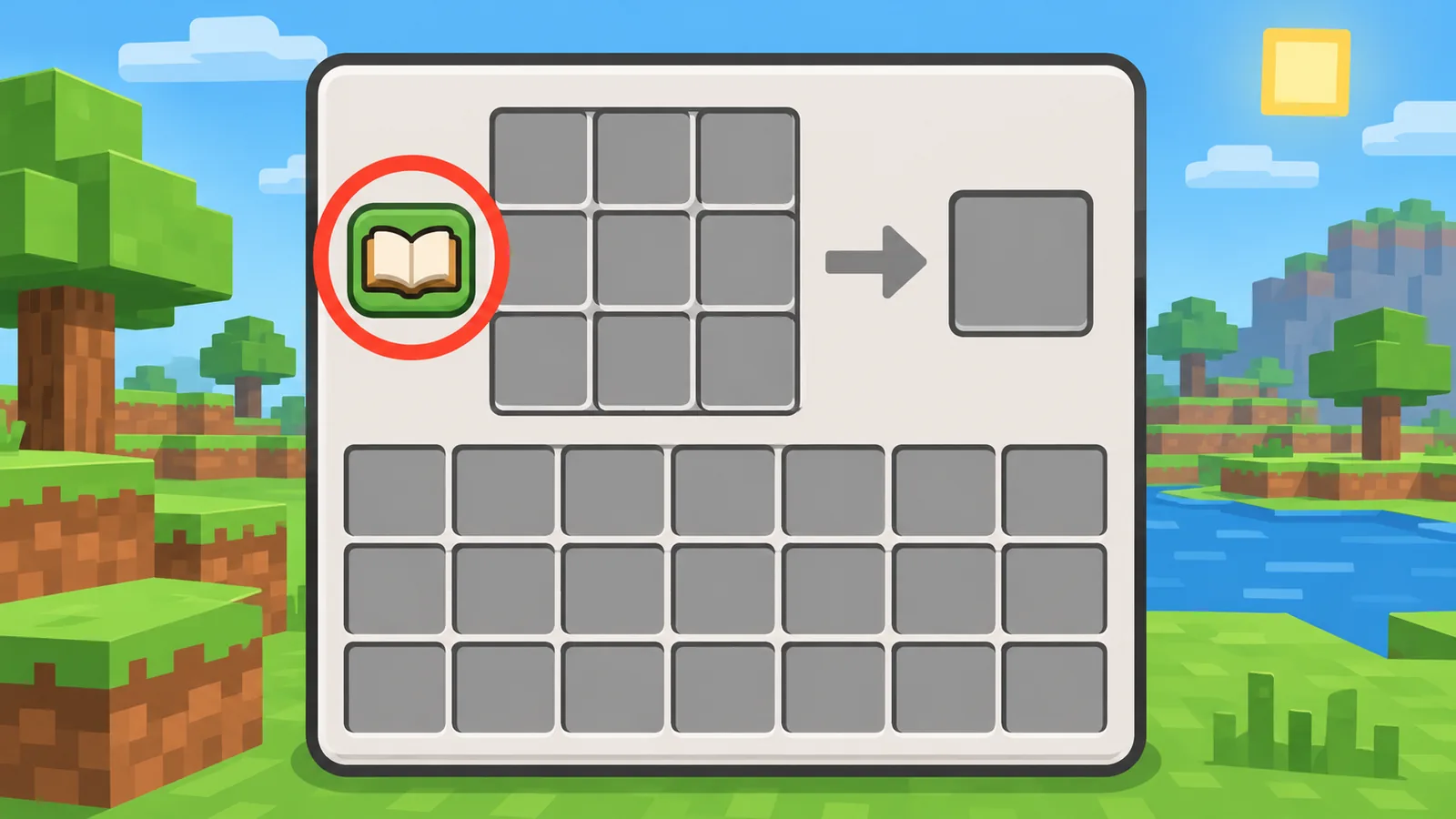
You are standing at a crafting table, you need a recipe, and the grid is staring back at you. Open your inventory or the crafting table, then click the small book icon beside the crafting grid. That is the recipe book.
- The Fastest Way to Open the Recipe Book
- Where to Find the Recipe Book Button
- Opening the Recipe Book on Each Platform
- How to Read What the Recipe Book Shows
- How to Unlock More Recipes
- Using the Recipe Book at the Crafting Table, Furnace, and Inventory
- Filtering and Searching Recipes
- Why Your Recipe Book Looks Empty
- Quick Reference Table: Controls by Platform
- Frequently Asked Questions
Key takeaways
- The recipe book is the book icon next to the crafting grid.
- Recipes unlock when you first obtain an ingredient.
- Clicking a recipe fills the grid when you have the materials.
- Furnaces and similar blocks have their own recipe lists.
The Fastest Way to Open the Recipe Book
Open your inventory, then click the book icon next to the crafting grid. The same icon appears when you open a crafting table.
The book is not a standalone menu. It lives inside crafting screens, so you always reach it through an inventory or a station.
Don’t count on a keyboard shortcut for the book itself. The guides I checked disagree about one, and Mojang’s bug tracker has a report about keyboard activation for it in Java Edition. Clicking the icon works everywhere.
Do I need a crafting table first?
No. Your inventory has a small 2×2 crafting grid, and the book is right there. A crafting table gives you the larger 3×3 grid, so bigger recipes only show as makeable there.

Where to Find the Recipe Book Button
Look for a small book icon just beside the crafting grid. It sits next to the 2×2 grid in your inventory and next to the 3×3 grid in a crafting table.
If you are a new player staring at the inventory screen and not seeing any menu, this is the thing you are missing. The icon is small and easy to overlook.
The same kind of icon shows up in furnace-type screens, such as the furnace, blast furnace, and smoker. That is handy when you want to know what you can cook or smelt.
Opening the Recipe Book on Each Platform
On every platform you open an inventory or crafting screen first, then activate the book icon. Only the way you activate it changes.
Java Edition on PC
Open your inventory or a crafting table, then click the book icon with the mouse. The book also works in furnace-type screens.
Bedrock Edition on Windows, mobile, and console
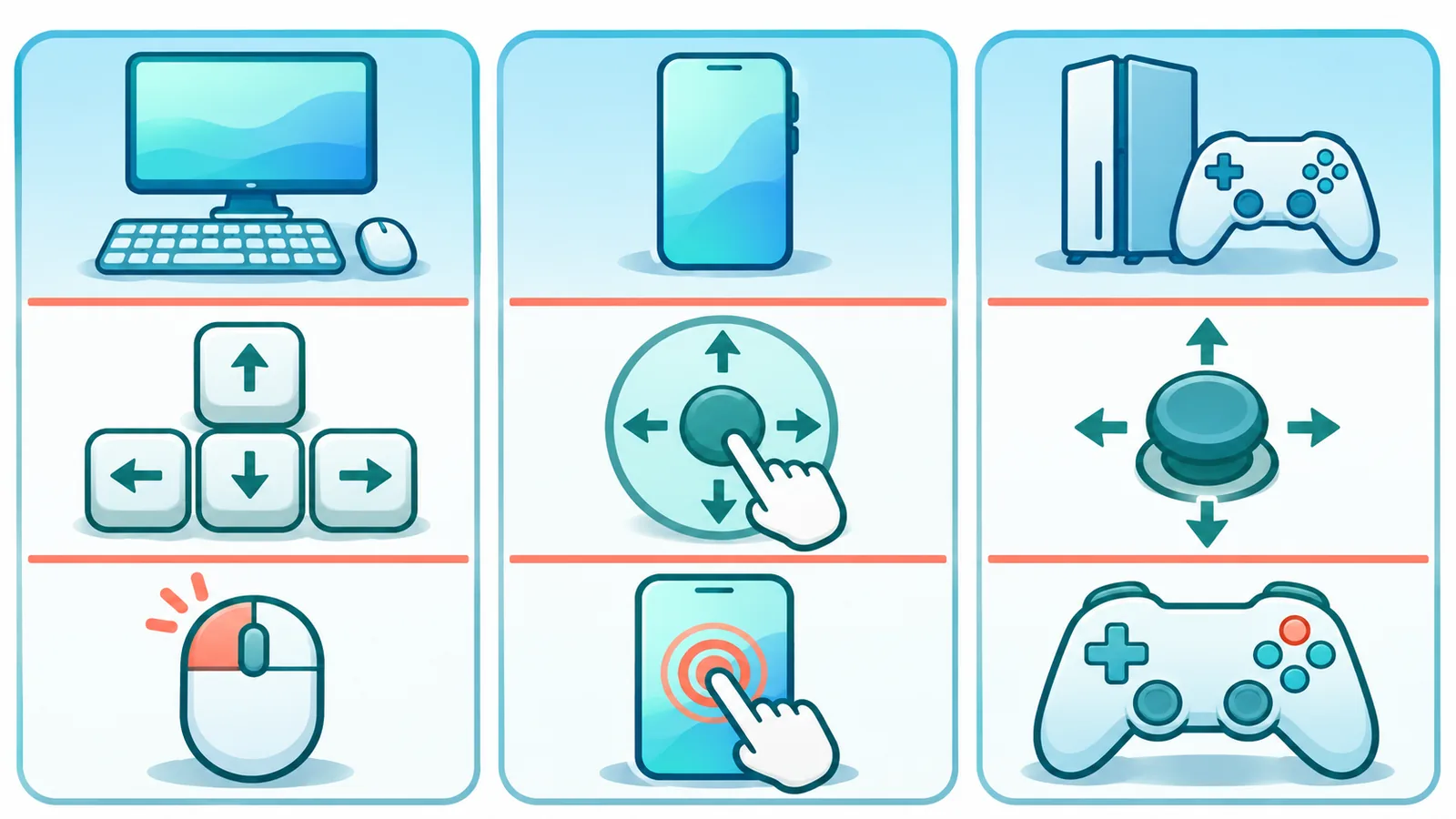
Bedrock uses the same idea. The control depends on your device:
- Windows: click the book icon with the mouse.
- Mobile: tap the book icon.
- Console: use the controller button shown on screen.
Button labels vary by controller and game version. If you cannot find it, check your in-game controls menu for the current binding.
How to Read What the Recipe Book Shows
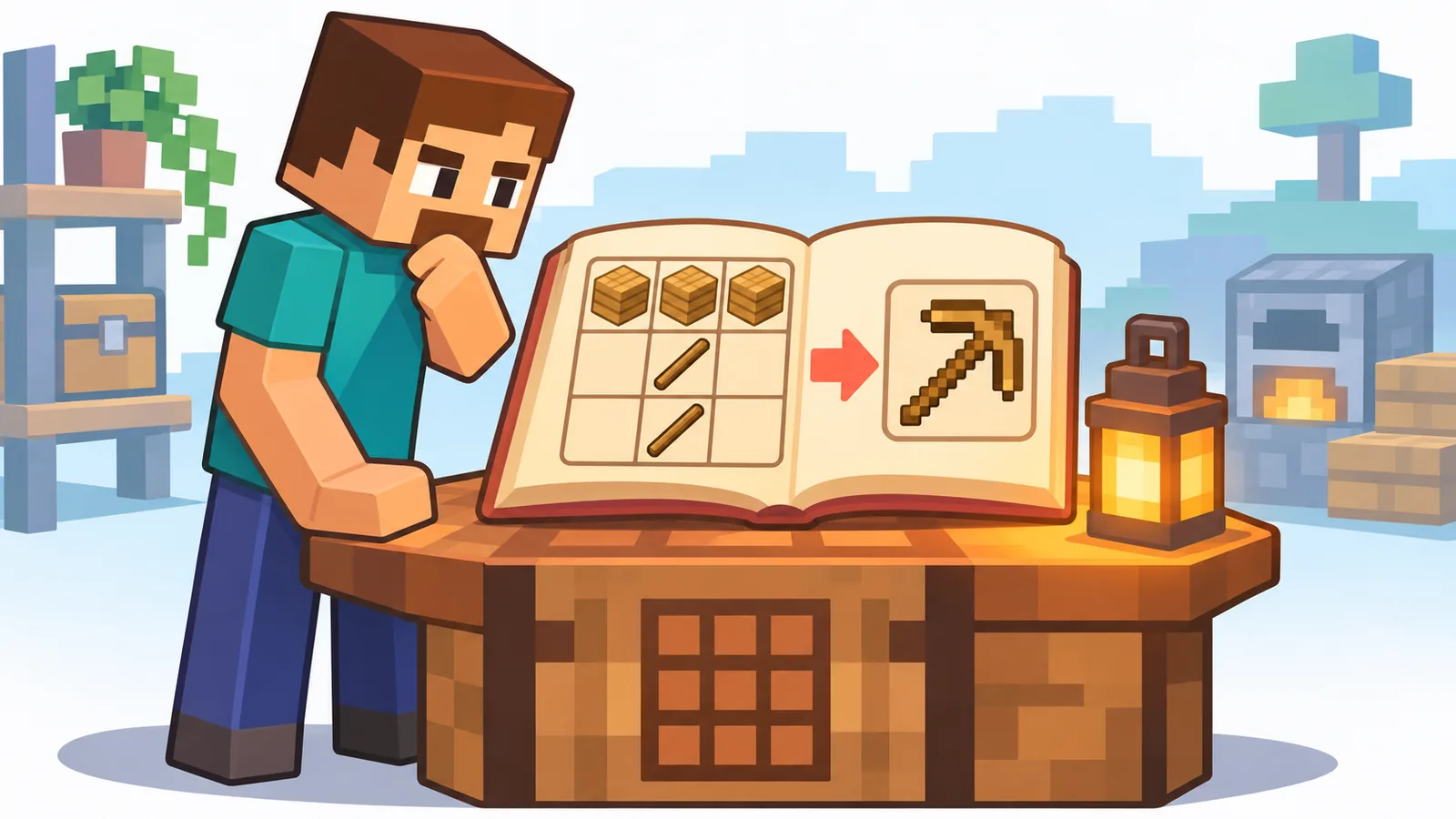
The book lists recipes you have unlocked, and clicking one fills the crafting grid for you if you have the materials. Recipes you cannot make yet show up greyed out, which usually means you are missing an ingredient.
Here is a quick walk-through. Put some planks in your inventory, open the book, and click the stick recipe. The grid fills itself and you only need to take the result.
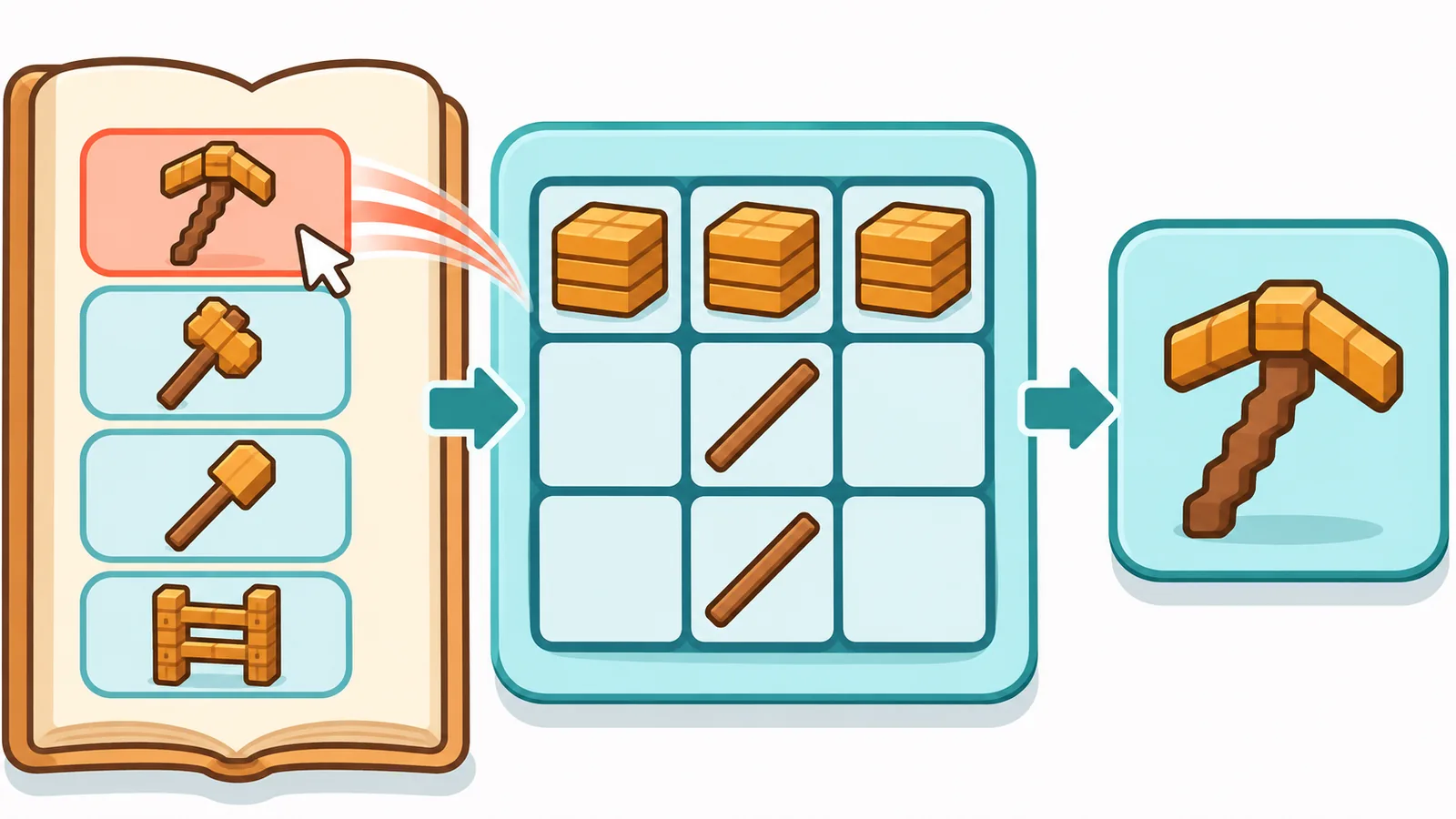
Try the same with a wooden pickaxe at a crafting table. You will see the planks and sticks placed in the right spots without any guessing.
How to Unlock More Recipes
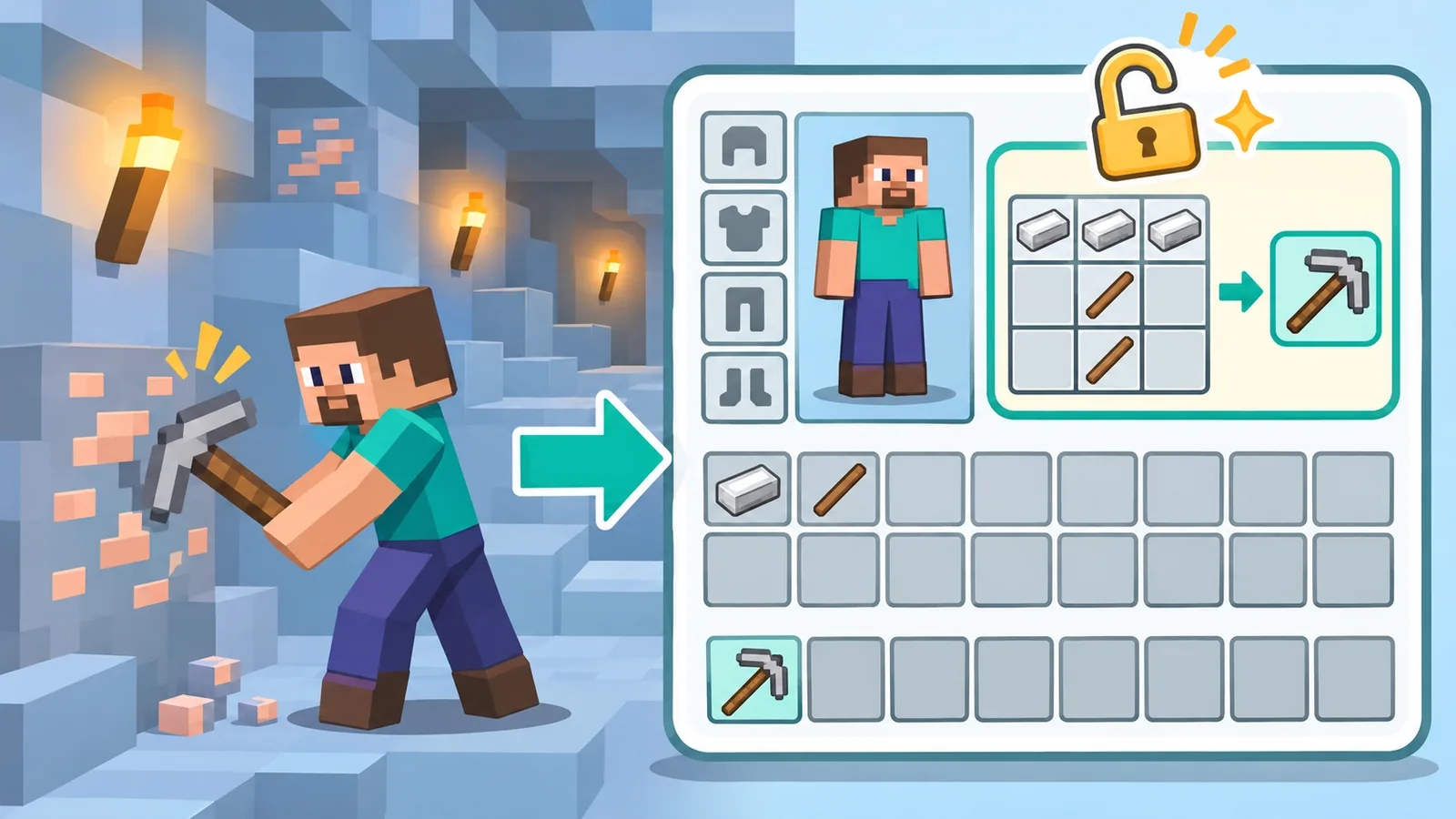
In general, a recipe appears once you pick up one of its ingredients for the first time. So exploring and collecting is the main way the book grows.
A few examples make this concrete:
🛒 Recommended Product
- Collect wood, and plank and stick recipes appear.
- Pick up iron, and iron tool and armor recipes show up.
- Gather wool, and bed recipes become available.
Unlocking details can differ between editions and versions, and a game rule can change how recipes are limited in a world. Treat that as optional and check your version if something behaves oddly.
Using the Recipe Book at the Crafting Table, Furnace, and Inventory
Each station shows its own kind of recipes, so the book at a furnace is not the same list as the one at a crafting table. Pick the station that matches what you want to make.
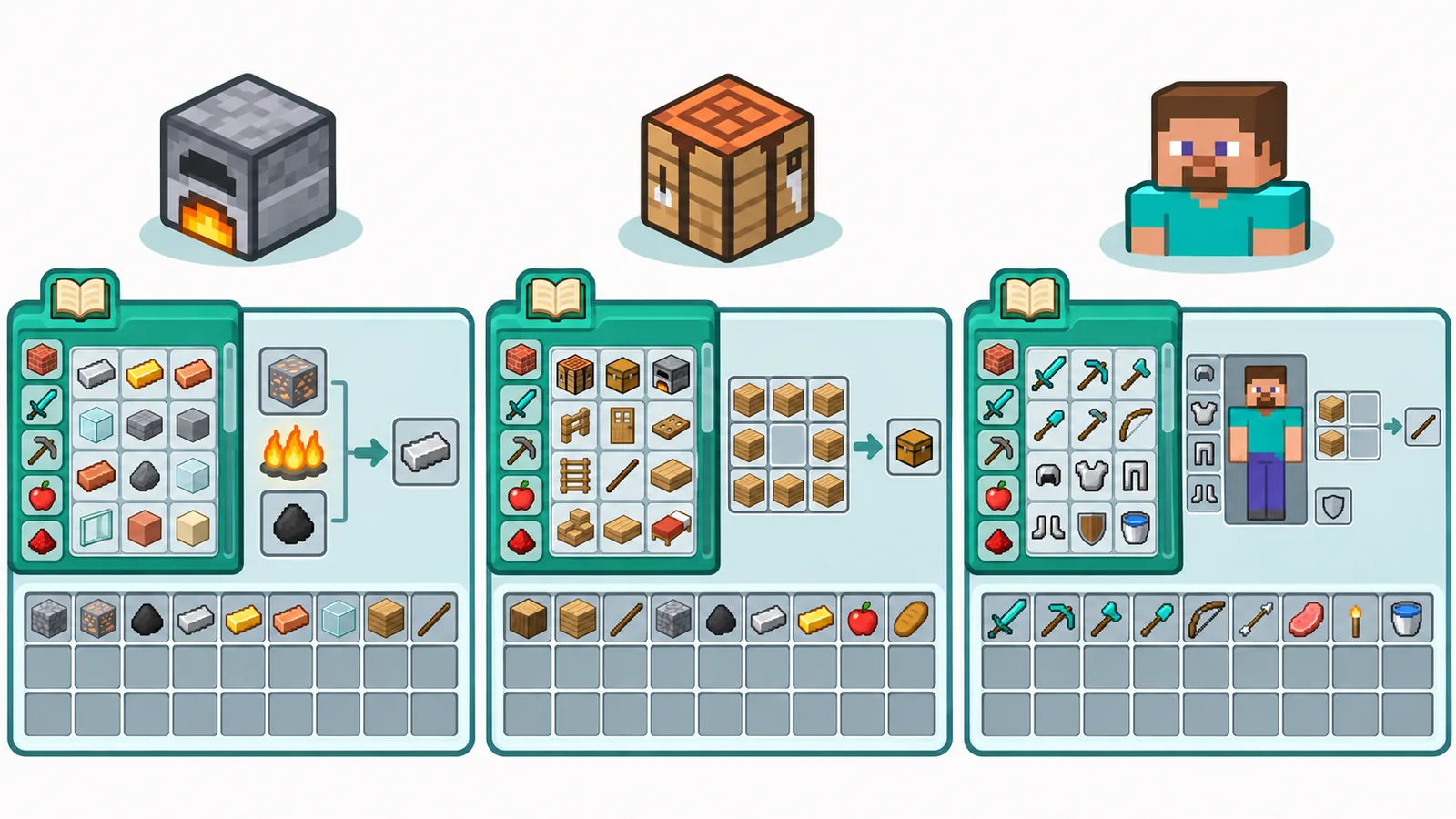
| Station | Grid | What the book lists |
|---|---|---|
| Inventory | 2×2 | Small crafting recipes |
| Crafting table | 3×3 | All crafting recipes, including large ones |
| Furnace / smoker / blast furnace | Single input | Smelting and cooking recipes for that station |
Selecting a recipe in one screen does not turn it into another station. If a recipe needs a 3×3 grid, open a crafting table.
Filtering and Searching Recipes
The book has tabs to group recipes, and a search box to find one by name. You can also use the craftable filter to show only what you can make right now.
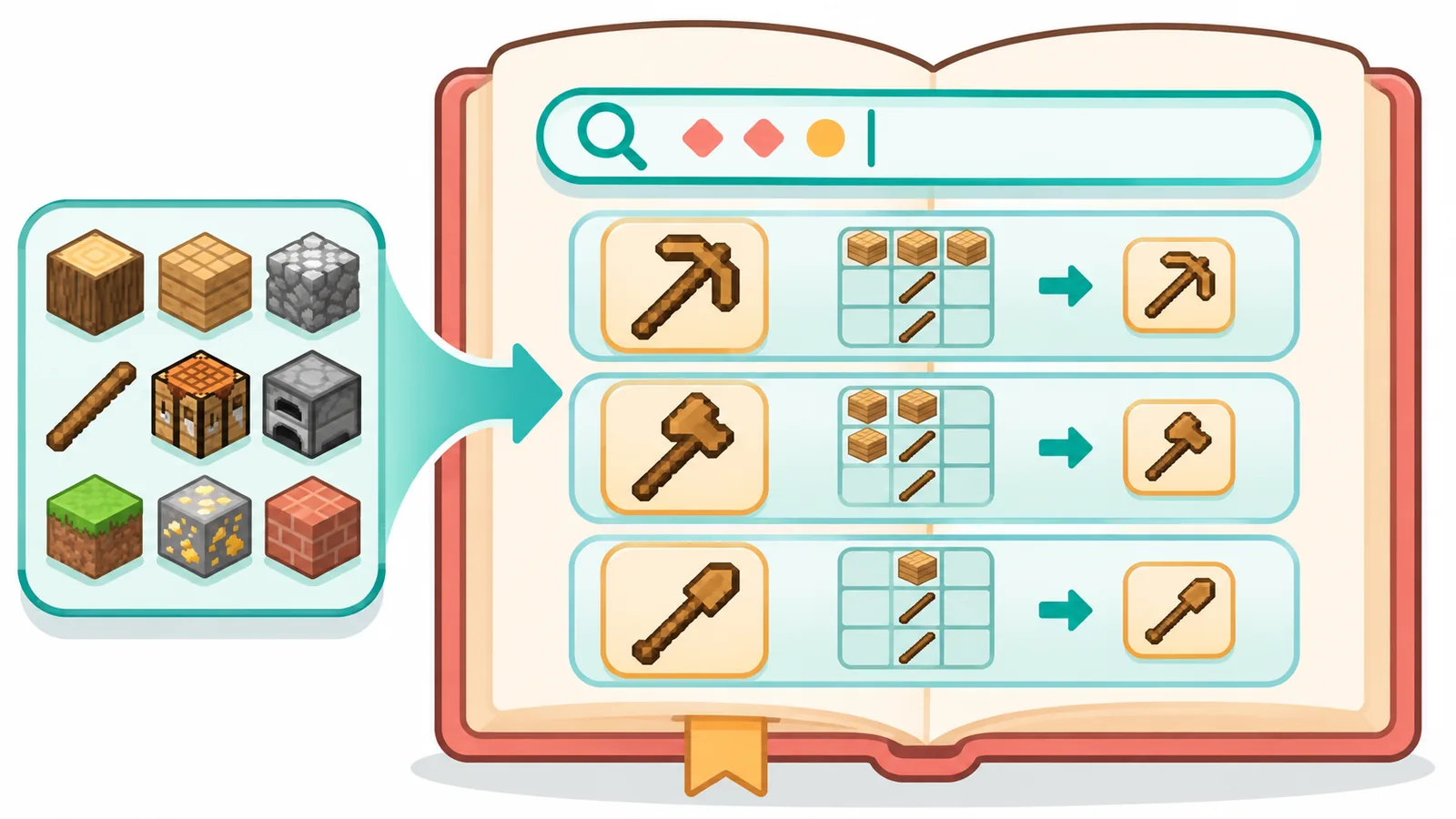
Here is a practical tip: type just part of an item name. You jump straight to matching recipes without scrolling through every tab.
Why Your Recipe Book Looks Empty
An empty or short book almost always means you have not collected the ingredients yet. Run these quick checks, which take under a minute:
- Have you picked up the ingredient at least once?
- Is the craftable filter turned on and hiding the rest?
- Is the search box still holding old text?
- Are you in the right station for that recipe type?
- Does your world or server limit crafting with a game rule?
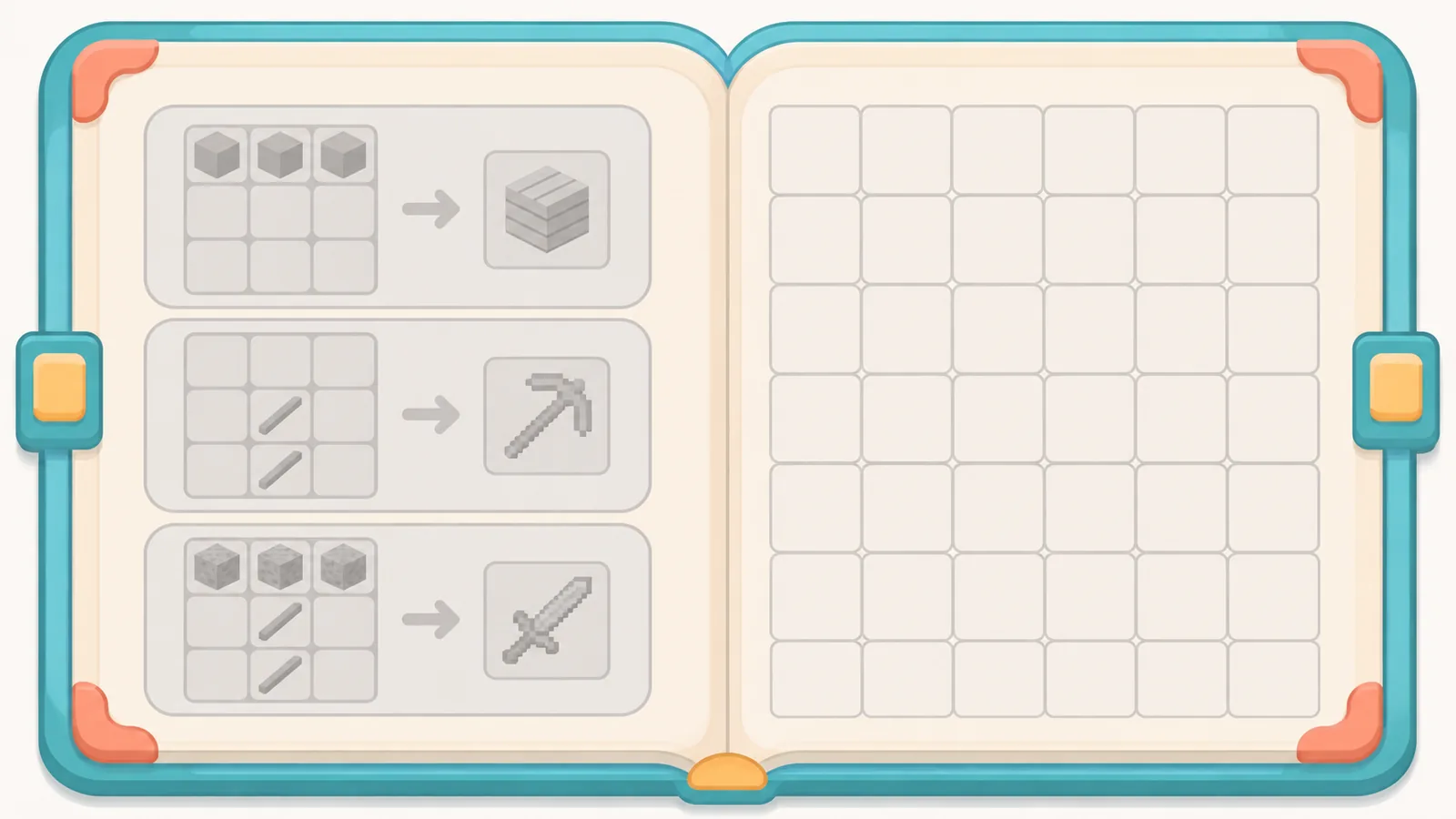
You have not collected the ingredients yet
Pick up the item, and the recipe tends to appear right away. Mine some coal or chop a tree and watch the list grow.
A setting or game rule is hiding recipes
Some worlds and servers change how recipes unlock. If your friends see recipes you do not, ask the server owner or check the world settings.
Quick Reference Table: Controls by Platform
| Platform | How to open | How to select a recipe |
|---|---|---|
| Java on PC | Open inventory, click the book icon | Click the recipe |
| Bedrock on Windows | Open inventory, click the book icon | Click the recipe |
| Bedrock on mobile | Open inventory, tap the book icon | Tap the recipe |
| Bedrock on console | Open inventory, use the on-screen controller prompt | Use the on-screen controller prompt |
Controller prompts differ by console and version, so confirm them in your controls menu.
Frequently Asked Questions
Can I open the recipe book without a crafting table?
Yes. Open your inventory and use the book beside the 2×2 grid.
Does the recipe book show every recipe in the game?
No. It shows recipes you have unlocked, plus what the station supports.
How do I turn the recipe book off or hide it?
Click the book icon again to close the panel. Your choice is usually remembered the next time you open a crafting screen.
Why can’t I see a recipe for a specific item?
You probably have not picked up one of its ingredients yet, or you are at the wrong station. Collect the item, then try again.
Does it work the same in multiplayer?
Mostly, but servers can change rules about recipes. If something looks different, ask the server owner.
So, open your inventory right now and click the book icon. Then pick a recipe and watch the grid fill itself.
Open your inventory in Minecraft now, click the book icon, and try the craftable filter.
References
- How to craft | Minecraft: https://www.minecraft.net
- How to use the recipe book in Minecraft (iTechGuides): https://www.itechguides.com/how-to-use-the-recipe-book-in-minecraft/
- Recipe book (Minecraft Wiki mirror): https://wiki.ronlab.site/content/minecraftwiki_en_all_maxi_2025-11/Recipe_Book
- MC-148857, Recipe book keyboard activation (Mojang bug tracker): https://bugs-legacy.mojang.com/browse/MC-148857
Want more comparisons and buying guides?