⚠️ This page connects you to Atovia’s partners and affiliate markets. We may receive a commission from affiliate partners for activities made through these links. Discount offers may change at any time according to policy! Rest assured, there are no additional costs to you! We hope this saves you time in finding the right items!
Expert-tested picks across every budget — from plug-and-play starters to advanced multicolor powerhouses.
The hobbyist 3D printer market in 2026 has never been more competitive — or more exciting. Speed that was reserved for industrial machines two years ago is now standard on desktop printers, multi-color printing has become truly affordable, and enclosed CoreXY designs have gone mainstream. Whether you’re printing tabletop miniatures, functional home parts, cosplay props, or replacement components, there’s a machine purpose-built for your workflow.
We’ve tested and cross-referenced the top picks from major review outlets, community forums, and hands-on benchmarks to give you the most accurate rundown for mid-2026. Here are our top recommendations.
- 1. Key Buying Criteria
- 2. Best Overall: Bambu Lab X1C
- 3. Best for Beginners: Creality SparkX i7

- 4. Best Budget: Anycubic Kobra X
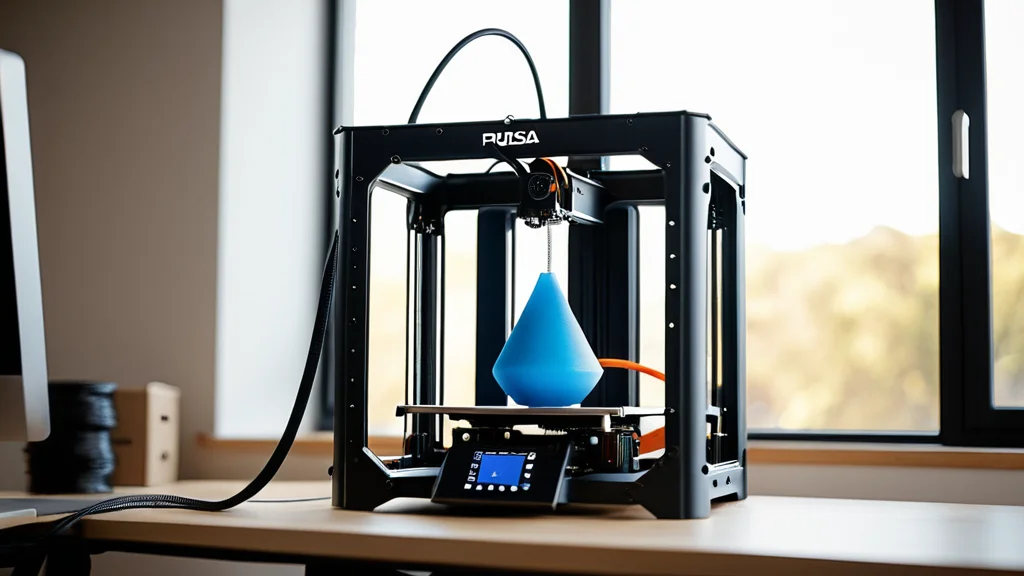
- 5. Best Open-Source: Prusa Core One
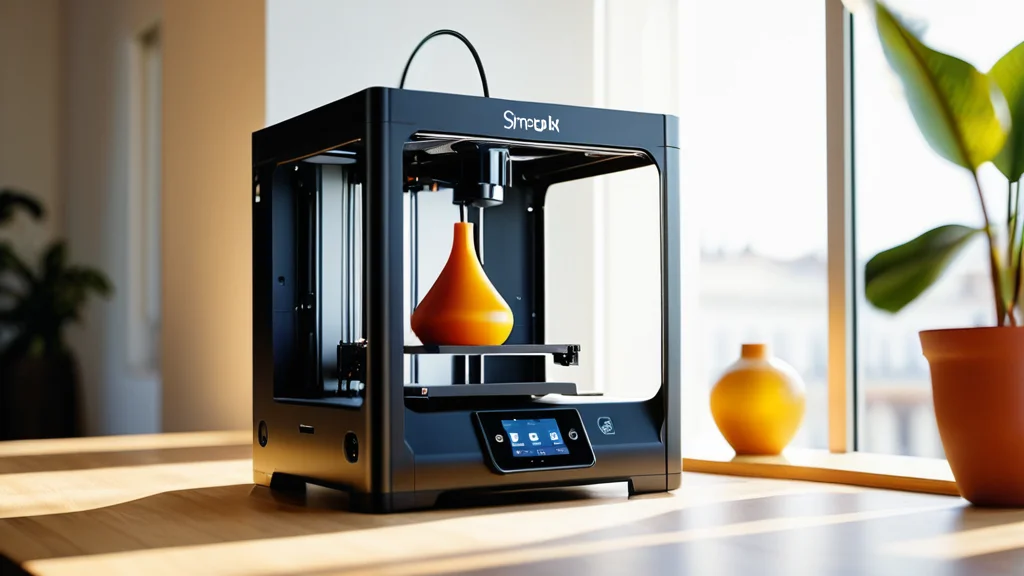
- 6. Best Multicolor: Snapmaker U1
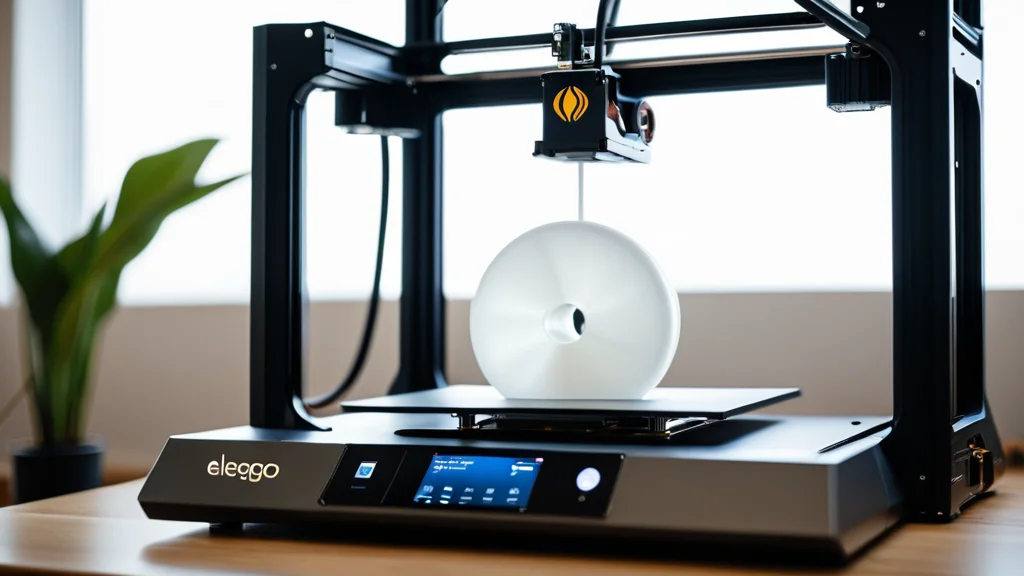
- 7. Best Resin: Elegoo Saturn 4 Ultra 16K
- 8. Full Comparison Table
- 9. How to Choose the Right Printer
- 10. Final Verdict
- Bambu Lab dominates on speed and features-per-dollar at every price tier in 2026.
- 600 mm/s print speeds are now a standard mid-range spec — look for input shaping and pressure advance to maintain quality at those speeds.
- Multi-color is no longer a premium feature: the Snapmaker U1 tool-changer arrives under $1,000.
- Resin printers now hit 16K resolution in the mid-range; the Elegoo Saturn 4 Ultra 16K leads the category.
- For open-source flexibility and community support, Prusa’s Core One is the benchmark enclosed CoreXY alternative to Bambu.
- Always verify your slicer supports local LAN mode if protecting proprietary designs matters to you.
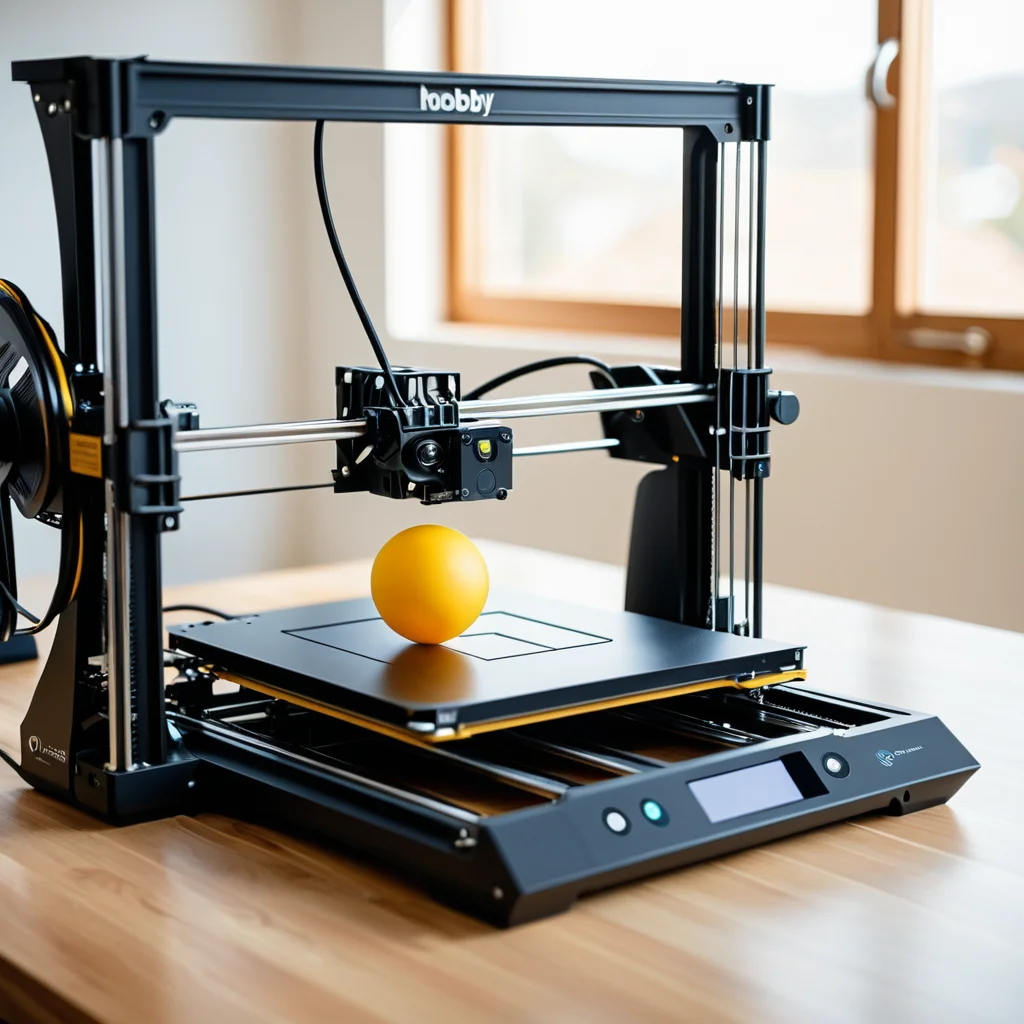
1. Key Buying Criteria for Hobbyists in 2026
Before diving into the picks, it helps to understand what separates a great hobbyist printer from a frustrating one. The 2026 market has converged on several must-have features at the mid-range level:
- Print technology: FDM (filament) for versatility and functional parts; resin for ultra-fine detail work like miniatures.
- CoreXY vs. bedslinger: CoreXY motion systems move the toolhead in XY while the bed moves only in Z — enabling faster, more stable high-speed printing.
- Enclosure: Essential for engineering-grade materials (ABS, ASA, PA). Optional but helpful for PLA and PETG.
- Multi-material support: AMS (Bambu), MMU (Prusa), or tool-changer systems enable multi-color and multi-material prints.
- Software ecosystem: A polished slicer (Bambu Studio, PrusaSlicer, OrcaSlicer) drastically reduces setup time for beginners.
- Repairability: Prusa leads here; Bambu’s closed ecosystem trades repairability for convenience.
2. Best Overall: Bambu Lab X1C
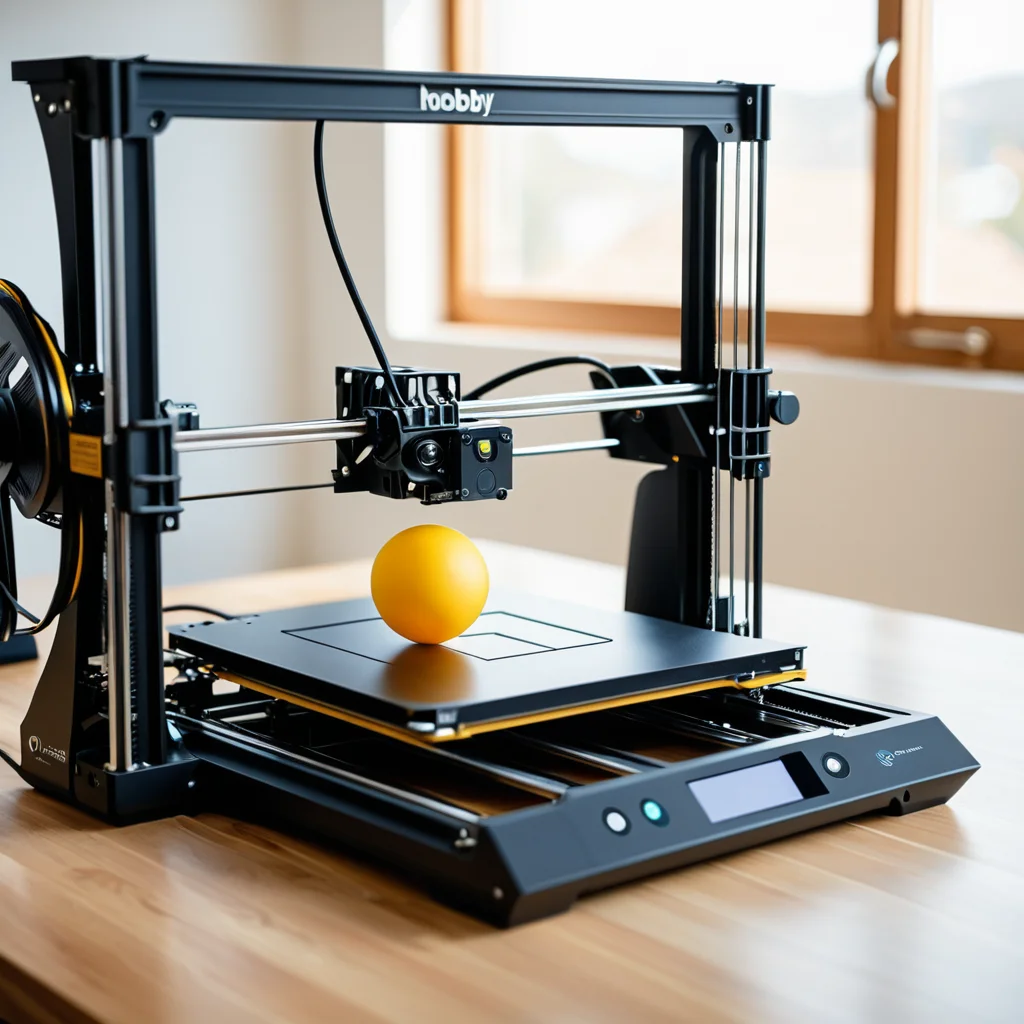
The Bambu Lab X1 Carbon is the flagship CoreXY machine — fast, polished, and AI-assisted, still the machine that pushed the entire industry forward. It remains the benchmark hobbyist printer heading into the second half of 2026.
Flagship enclosed CoreXY machine with LiDAR-assisted first-layer calibration, multi-color AMS support, and a refined software ecosystem. Still the machine to beat in 2026.
256×256×256 mm build
Enclosed CoreXY
LiDAR calibration
AMS multi-color
All-metal hotend
- Best-in-class out-of-box experience
- Fast, consistent, reliable prints
- Excellent Bambu Studio slicer
- Strong multi-color ecosystem with AMS
- AI camera monitoring included
- Closed ecosystem; proprietary filament RFID push
- Cloud-reliant by default (local LAN mode available)
- Higher running cost vs. budget alternatives
- Repairs require Bambu service support
Bambu is the best choice for sellers who want to print, not tinker — hobbyists who value speed and convenience over repairability. If you want the printer that simply works fast and beautifully, the X1C is the safest, highest-satisfaction purchase in the hobbyist segment.
3. Best for Beginners: Creality SparkX i7

The Creality SparkX i7 is the top pick for beginners — a smart, approachable machine priced for those entering the hobby. Auto-leveling, a color touchscreen, and a guided setup process make it the friendliest on-ramp to FDM printing available in 2026.
Smart, approachable, and priced for those entering the hobby. Guided setup and automatic calibration get a first-timer printing quality parts in under 30 minutes.
220×220×270 mm build
Auto bed leveling
Color touchscreen
PLA / PETG / TPU
- True plug-and-play setup experience
- Affordable entry price point
- Beginner-friendly guided UI
- Great community and parts support
- Open frame limits engineering materials
- No multi-color capability
- Slower than mid-range CoreXY competition
4. Best Budget Pick: Anycubic Kobra X
The Anycubic Kobra X proves that sub-$200 no longer means compromised. It hits the essentials — auto-leveling, a decent build volume, and reliable PLA results — at a price that removes the barrier to entry entirely.
The most accessible hobbyist printer on the market. Ideal for those testing the waters or running a second machine for simple jobs.
220×220×250 mm build
Auto leveling
Beginner-friendly
- Exceptionally low price point
- Solid PLA and PETG print results
- Quick, straightforward assembly
- Bedslinger design limits speed ceiling
- No enclosure; no engineering materials
- Basic software vs. Bambu or Prusa
5. Best Open-Source: Prusa Core One

Prusa is one of the most enduring names in 3D printing and has earned a reputation for high-quality, hobbyist-friendly machines. The Prusa Core One is an enclosed CoreXY machine aimed squarely at the Bambu Lab X1C — one of the most popular printers on the market today.
The definitive choice for hobbyists who value repairability, open-source control, and community trust over raw convenience. Print quality matches the X1C; the ecosystem suits tinkerers over plug-and-play users.
250×210×270 mm build
Enclosed CoreXY
Open source
MMU3 multi-material
Loadcell bed leveling
- Fully repairable, open-source design
- Print quality rivals the X1C
- PrusaSlicer with Arachne slicing mode
- Larger usable print height (270 mm)
- No cloud dependency required
- Higher price than comparable Bambu configs
- Slower remote communication hardware
- Single-color base (MMU3 sold separately)
In direct print quality comparisons both machines produce virtually identical results — differences appear only in the smallest surface details and come down to slicer settings more than hardware. Choose the X1C for the best multi-color ecosystem and convenience. Choose the Core One for repairability, open-source control, and long-term ownership.
🛒 Recommended Product
🛒 Recommended Product
6. Best Multicolor: Snapmaker U1
Tool changers have traditionally been expensive, putting them out of reach for most home hobbyists. At $999 retail, the Snapmaker U1 is priced about the same as a Bambu Lab mid-range machine — making true tool-changer multi-color printing genuinely accessible for the first time.
A true tool-changer that makes genuine multi-material printing accessible. No purge tower waste, clean color transitions, and a price that disrupts the premium multicolor segment.
Multi-material capable
No purge tower
~$999 retail
- True tool-changer at hobbyist price
- Clean color transitions with no waste tower
- Unique workflow vs. AMS or MMU systems
- Newer platform; smaller community
- Tool-changer adds mechanical complexity
- Slower than CoreXY for single-material jobs
7. Best Resin Printer: Elegoo Saturn 4 Ultra 16K
If you’re printing miniatures, jewelry models, or anything requiring sub-millimeter detail, resin is the right technology. The 2026 resin generation has solved the key usability challenges: heated vats for consistency, tilt-release mechanisms to reduce failures, and 16K resolution in the mid-range.
The Saturn 4 Ultra 16K sits at a rare intersection of cutting-edge specifications and practical usability. The 16K LCD panel delivers 14–18 micron XY resolution — genuinely ultra-fine — and the heated resin vat stabilizes temperature at 30°C regardless of ambient conditions.
14–18 micron XY
Heated vat 30°C
Tilt-release
Large format
- Industry-leading 16K XY resolution
- Heated vat dramatically improves consistency
- Significantly fewer failed prints vs. prior gen
- Excellent for miniatures, dental, and jewelry
- Chemical handling and ventilation required
- Wash and cure station needed (extra cost)
- Not suitable as a first printer for most hobbyists
Not Sure Which Printer Fits Your Workflow?
Browse the full 2026 3D printer guide on 3DPrinting.com, with expert-ranked picks across every category from budget to prosumer.
8. Full Comparison Table
Here’s a side-by-side look at all 2026 picks across the metrics that matter most to hobbyists.
| Printer | Price | Technology | Max Speed | Enclosed | Multi-Color | Open Source | Best For |
|---|---|---|---|---|---|---|---|
| Bambu Lab X1C | ~$1,149 | FDM CoreXY | 500 mm/s | ✓ | ✓ AMS | ✗ | Best overall |
| Creality SparkX i7 | ~$349 | FDM | 300 mm/s | ✗ | ✗ | ✗ | Beginners |
| Anycubic Kobra X | ~$179 | FDM | 250 mm/s | ✗ | ✗ | ✗ | Budget |
| Prusa Core One | ~$1,199 | FDM CoreXY | 500 mm/s | ✓ | ✓ MMU3 | ✓ | Open source |
| Snapmaker U1 | ~$999 | FDM Tool-changer | ~300 mm/s | ✗ | ✓ Native | ✗ | Multicolor |
| Elegoo Saturn 4 Ultra 16K | ~$549 | Resin MSLA | N/A | ✓ | ✗ | ✗ | Fine detail |
9. How to Choose the Right 3D Printer
FDM or Resin?
FDM printers melt a spool of plastic filament through a hot nozzle and lay it down layer by layer — the technology is cheaper, less messy, and where most beginners should start. Resin printers cure a vat of liquid resin layer by layer with UV light, producing sharper detail for things like miniatures or jewelry models, at the cost of a more involved workflow with gloves, ventilation, and a curing station.
What’s Your Primary Use Case?
Think about what you’ll mostly be printing. Functional home parts and cosplay props are ideal for FDM. Tabletop miniatures and jewelry prototypes point to resin. If you want to sell multi-color items on Etsy or at craft markets, prioritize AMS or MMU multi-color capability. If you’re just experimenting, start with the most affordable beginner-friendly machine — upgrade once you know what you actually need.
Speed vs. Quality Trade-offs
While 600 mm/s is the standard marketing spec in 2026, physics still applies — high speeds can lead to reduced interlayer bonding. Always check if your printer supports pressure advance and input shaping to maintain strength at high velocities. Real-world quality printing for most hobbyists happens between 200 and 350 mm/s.
Software and Ecosystem Lock-in
In 2026, ensure your printer allows for local LAN mode to protect your proprietary 3D designs from cloud-based data breaches. Bambu’s ecosystem is polished and fast but defaults to cloud slicing. Prusa’s open-source approach gives you full long-term ownership and control over your workflow.
Ready to Buy? Compare Current Prices
Printer prices shift frequently. Check the latest deals on these models before you commit — a sale or bundle can change the best-value calculus entirely.
10. Final Verdict
2026 is shaping up to be the most exciting year in FDM printing yet — smarter machines, better motion systems, and a real focus on reliability that makers have been asking for. Here’s the quick-reference breakdown for each type of buyer:
- Best overall: Bambu Lab X1C — speed, polish, and reliability in one package.
- Best for beginners: Creality SparkX i7 — affordable, guided, and prints out of the box.
- Best budget: Anycubic Kobra X — sub-$200, solid PLA results, no fuss.
- Best open-source: Prusa Core One — the repairability and community champion.
- Best multicolor: Snapmaker U1 — tool-changer value that democratizes multi-material.
- Best resin: Elegoo Saturn 4 Ultra 16K — 16K resolution at a hobbyist price.
Whatever machine you choose, 2026 is the best time in history to enter the hobby. Machines that would have required a professional studio budget four years ago are now within reach of any enthusiastic maker.