
⚠️ This page connects you to Atovia’s partners and affiliate markets. We may receive a commission from affiliate partners for activities made through these links. Discount offers may change at any time according to policy! Rest assured, there are no additional costs to you! We hope this saves you time in finding the right items!
- What “Without Monitoring” Really Means
- Quick Comparison of the Four Kits
- SimpliSafe Gen 3: Best for Easy Setup and Remote Control
- abode Smart Security Kit: Best for Smart Home Add-Ons
- Ring Alarm: Best if You Mainly Want a Siren and Keypad
- eufy 5-Piece Home Alarm Kit: A No-Fee Option to Verify First
- Free Alerts, Live Video, and Recording: What Each Tier Gives You
- What Happens During a Power or Internet Outage
- Renter and Small-Home Checklist
- Pets, Noise, and False Alarms
- Frequently Asked Questions
- Final Verdict and Next Step
You want a loud alarm and a ping on your phone, but not another monthly bill or a contract. That is a fair goal, and plenty of DIY kits are built for it.
As an Amazon Associate I earn from qualifying purchases.
🛒 Recommended Product
Here’s the catch: skipping professional monitoring does not automatically mean free app alerts. It depends on the brand. Below you’ll find four kits, one comparison table, one checklist, and one FAQ to help you sort it out.
What “Without Monitoring” Really Means
You get the alarm and, on some brands, phone alerts, but you handle the response yourself. Self-monitoring means you check the alert and decide whether to call for help.
Without a professional plan, no one automatically sends police or fire crews for you. SimpliSafe and Ring both say so in their official support pages.
What do you lose without a professional plan?
You lose the monitoring center that reviews an alarm and sends help for you. You may also lose features such as video recording or phone notifications, depending on the brand.

Who is self-monitoring a good fit for?
It suits people who keep their phone on, respond quickly, and mainly want a deterrent and an alert. Renters and small-home owners often fall into this group.
One caveat: a muted, offline, or dead phone can delay your response, and so can being asleep. Security.org flags this as the main limit of self-monitoring.
Quick Comparison of the Four Kits
SimpliSafe, abode, and Ring Alarm lead the review lists, while eufy is the manufacturer-positioned no-fee option. SafeHome’s 2026 self-monitoring roundup ranks SimpliSafe first, abode second, and ADT Blu third.
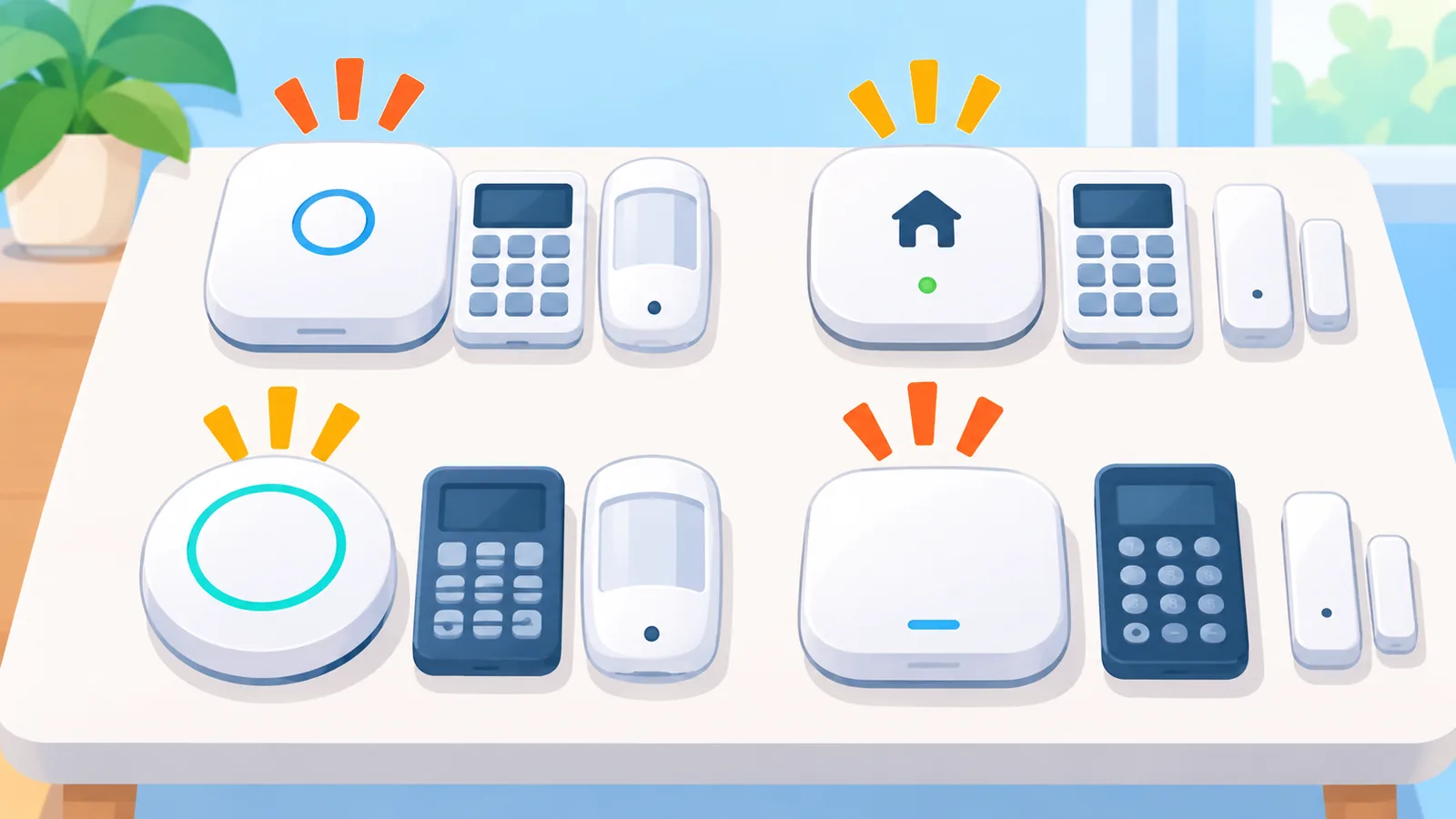
Security.org’s no-monthly-fee comparison lists SimpliSafe, abode, and Ring Alarm as top candidates. These are the reviewers’ rankings, not our own test results.
| Kit | Free phone alerts | Free live video | Recording on free tier | Auto emergency dispatch |
|---|---|---|---|---|
| SimpliSafe Gen 3 | Remote arm/disarm in the app | Yes | No ($9.99/mo self-monitoring plan adds it) | No |
| abode Smart Security Kit | General push alerts | Yes | No stored video, timeline, or automation runs | No |
| Ring Alarm | No digital alerts without a subscription; keypad and siren work | Yes (per Security.org) | Needs a compatible plan | No |
| eufy 5-Piece Home Alarm Kit | Maker says app-controlled, no monthly fee; check the model page | Check the model page | Check the model page | Not listed; you would call yourself |
Key takeaways
- “No monitoring” is not “no alerts”: Ring says it sends no digital alerts without a subscription.
- Live video and recording are separate features.
- abode’s free plan keeps sensors and sirens working offline, but remote alerts wait for internet.
- Only SimpliSafe lists a clear paid self-monitoring plan with recordings, at $9.99/month.
SimpliSafe Gen 3: Best for Easy Setup and Remote Control
SimpliSafe lets you arm, disarm, and watch live camera video from the app with no monitoring plan. That is what SimpliSafe’s own support page confirms for plan-free use.
Recordings and professional emergency dispatch are not part of that free use. If you want recordings later, SimpliSafe lists a separate “Self-Monitoring w/Camera Recordings” plan at $9.99 per month. It still does not include professional monitoring.
It fits someone who wants a simple kit and may add recordings down the road. Keep in mind that the #1 placement comes from SafeHome’s ranking, not from our testing.
abode Smart Security Kit: Best for Smart Home Add-Ons
abode’s free plan covers system control, self-monitoring, live video, integrations, and standard push alerts. That is a lot of coverage for a plan that costs nothing.
The free plan leaves out the event timeline, saved video, detailed push alerts, and automation runs, according to abode’s plans FAQ. If you plan to connect other smart devices, this is the kit to look at first.
What happens if the internet goes out?
On the free plan, sensors and the siren keep working locally. Remote alerts do not reach you until internet service returns, and cellular backup is available only on the Pro plan.
Ring Alarm: Best if You Mainly Want a Siren and Keypad
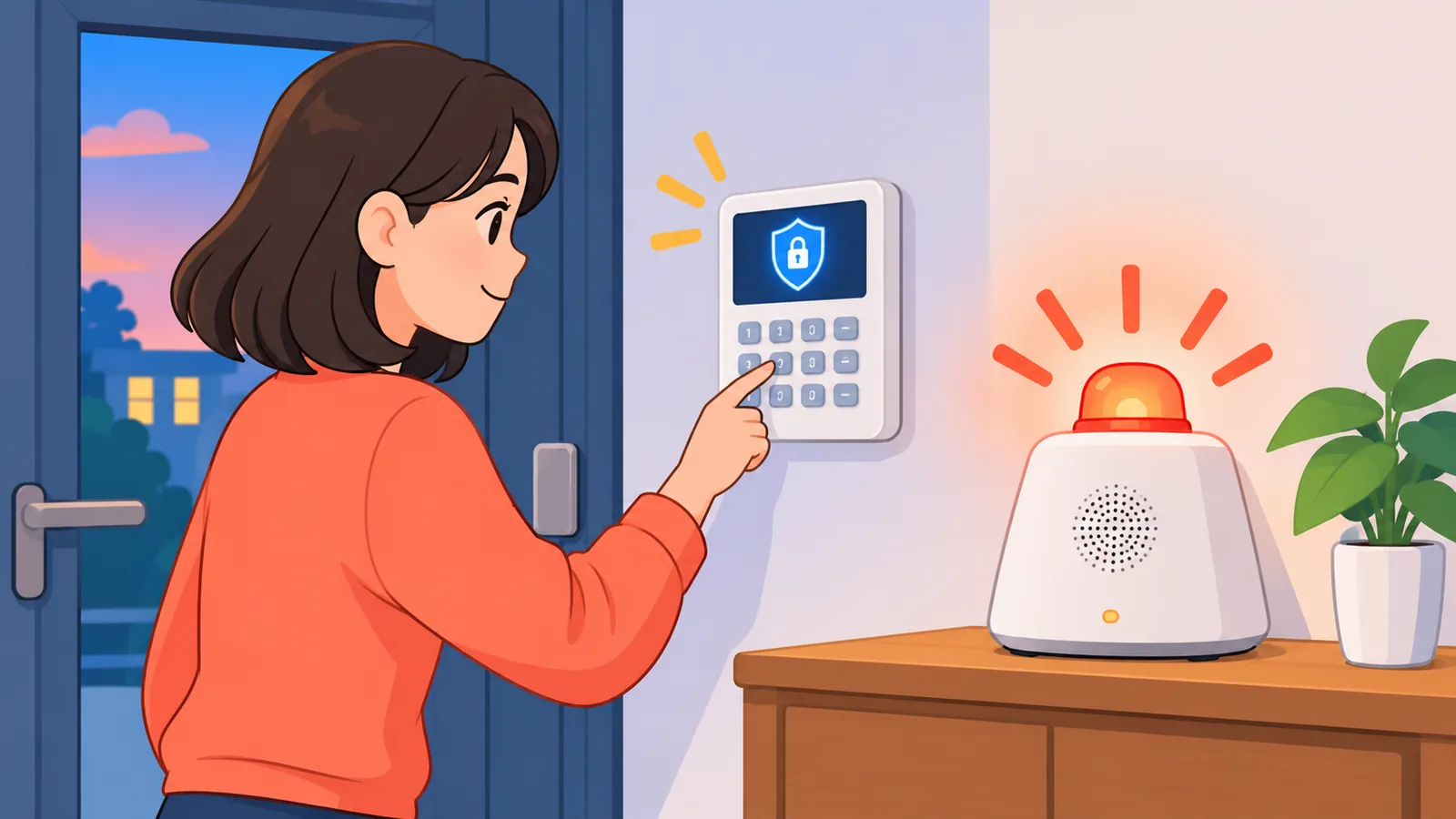
Without a subscription, Ring Alarm works as a local alarm with a keypad and a base station siren. You can arm and disarm from the keypad, and the siren sounds when the alarm trips.
Ring’s official guidance says that without a plan you receive no digital alerts and no emergency dispatch is requested. Saving, reviewing, and sharing recorded video also needs a compatible subscription.
That makes it a good fit for a home where someone is usually around to hear the siren. It is a weak fit if you need phone alerts while you’re away.
eufy 5-Piece Home Alarm Kit: A No-Fee Option to Verify First
eufy presents this kit as an app-controlled alarm system with no monthly fee. That is the manufacturer’s own claim, and it is all we could confirm.
🛒 Recommended Product
Before buying, check three things on the model page: what’s in the box, how and where footage is stored, and which alerts reach your phone. We have not confirmed storage or alert limits here.
It suits shoppers who want to avoid subscriptions and are willing to read the product page closely.

Free Alerts, Live Video, and Recording: What Each Tier Gives You
Live viewing, recording, and alerts are three different features, and free tiers rarely include all three. Mixing them up is an easy way to get a surprise after purchase.
- Live video: you watch what the camera sees right now.
- Recording: you can review what happened while you were away.
- Alerts: your phone tells you something triggered.
In short, Security.org lists live video as free for SimpliSafe, abode, and Ring Alarm. Recording is a paid feature on those three, and alerts vary by brand.

What Happens During a Power or Internet Outage
Local sirens and sensors may keep working, but phone alerts usually need internet. abode is the documented example: on its free plan, local sensors and the siren keep running while remote alerts wait.
So before you buy, ask each brand two questions: does the hub have battery backup, and is there cellular backup? On abode, cellular backup is Pro only.
Renter and Small-Home Checklist
Pick a kit you can install without drilling and take with you when you move. Then run through this short list.

- Confirm your lease allows alarm devices.
- Count your doors and windows.
- Decide whether you need alerts while you’re away.
- Check that live video is free on your chosen plan.
- Confirm the cost of recording before you rely on it.
Alarm registration and police response rules vary by city, so check with your local authorities.

Pets, Noise, and False Alarms
Motion sensors and loud household noise can trigger false alerts, so placement matters. A cat hopping onto a bookshelf is an easy way to set one off.
Keep sensors away from pet paths, test your settings after setup, and leave phone notifications on. With self-monitoring, you are the one deciding whether an alert is real.
Frequently Asked Questions
Can I get phone alerts without monitoring?
It depends on the brand. Ring says it sends no digital alerts without a plan, while abode’s free plan includes general push alerts. SimpliSafe offers app control and live view with no plan.

Can I watch video for free?
Live video is listed as free for SimpliSafe, abode, and Ring Alarm in the Security.org comparison. Recording is a separate paid feature on those three.
Will police be called automatically?
No, not without professional monitoring. SimpliSafe and Ring both say so in their official pages.
What if my internet drops?
On abode’s free plan, local sensors and the siren keep working, but remote alerts wait for service. Ask each brand about its backup options.

Is self-monitoring safe enough?
It depends on whether you can reliably respond. If your phone is often muted or you sleep through notifications, a professional plan may suit you better.
Final Verdict and Next Step
In short: SimpliSafe for simplicity, abode for smart-home flexibility, Ring Alarm for a basic local siren, and eufy as a no-fee option to verify.
Today, write down whether you need alerts while you’re away. Then check that exact feature on the free tier of your top pick before you buy.
Compare current kit contents and plan details on each maker’s official page before you buy: SimpliSafe, abode, Ring, and eufy.
References
- SafeHome, Best Self Monitored Home Security Systems of 2026
- Security.org, Best No Monthly Fee Home Security Systems in 2026
- SimpliSafe Support, What are the Residential Monitoring Plan Options?
- abode Support, Plans FAQ
- Ring, Which Ring Alarm Plan Is Right for You?
- Ring, General Information About Ring Products and Services
- eufy, Home Security Systems | Alarm Systems
Want more comparisons and buying guides?