⚠️ This page connects you to Atovia’s partners and affiliate markets. We may receive a commission from affiliate partners for activities made through these links. Discount offers may change at any time according to policy! Rest assured, there are no additional costs to you! We hope this saves you time in finding the right items!
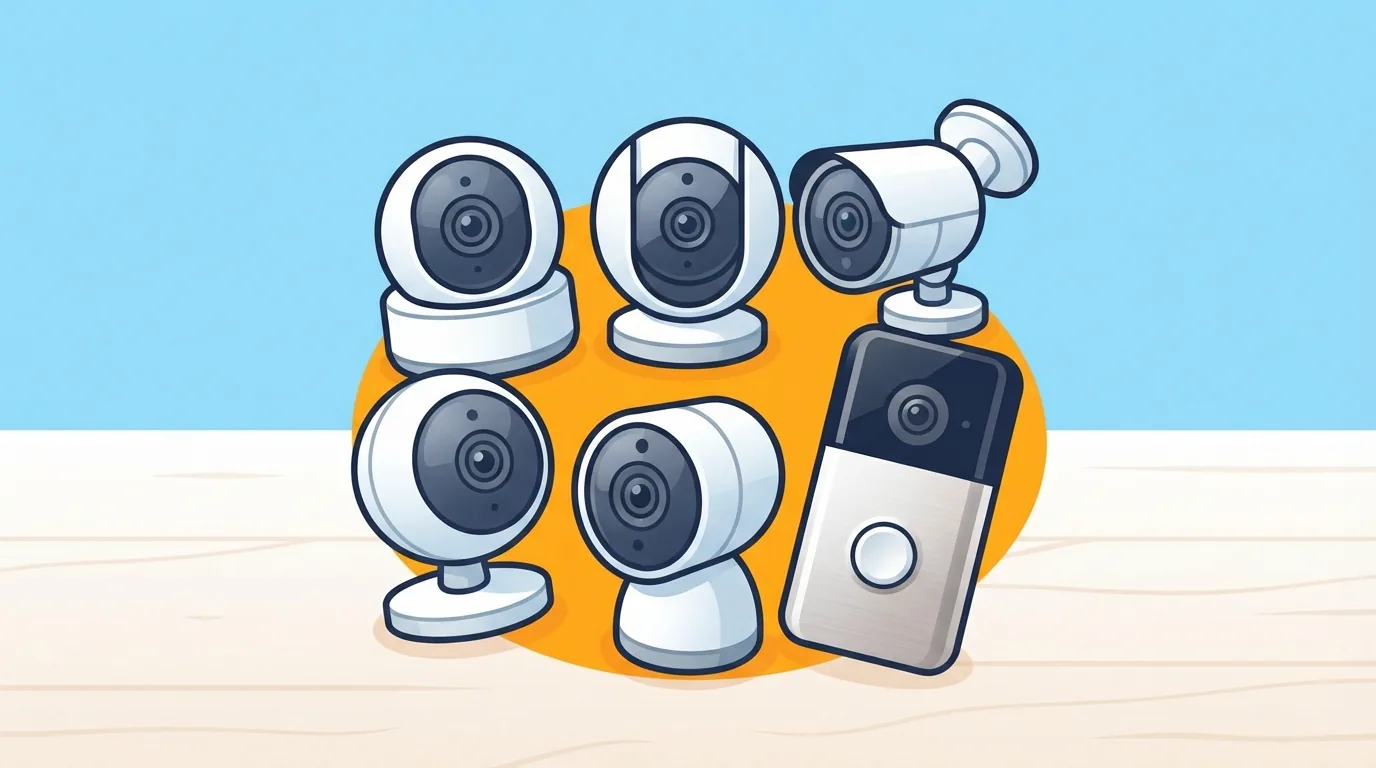
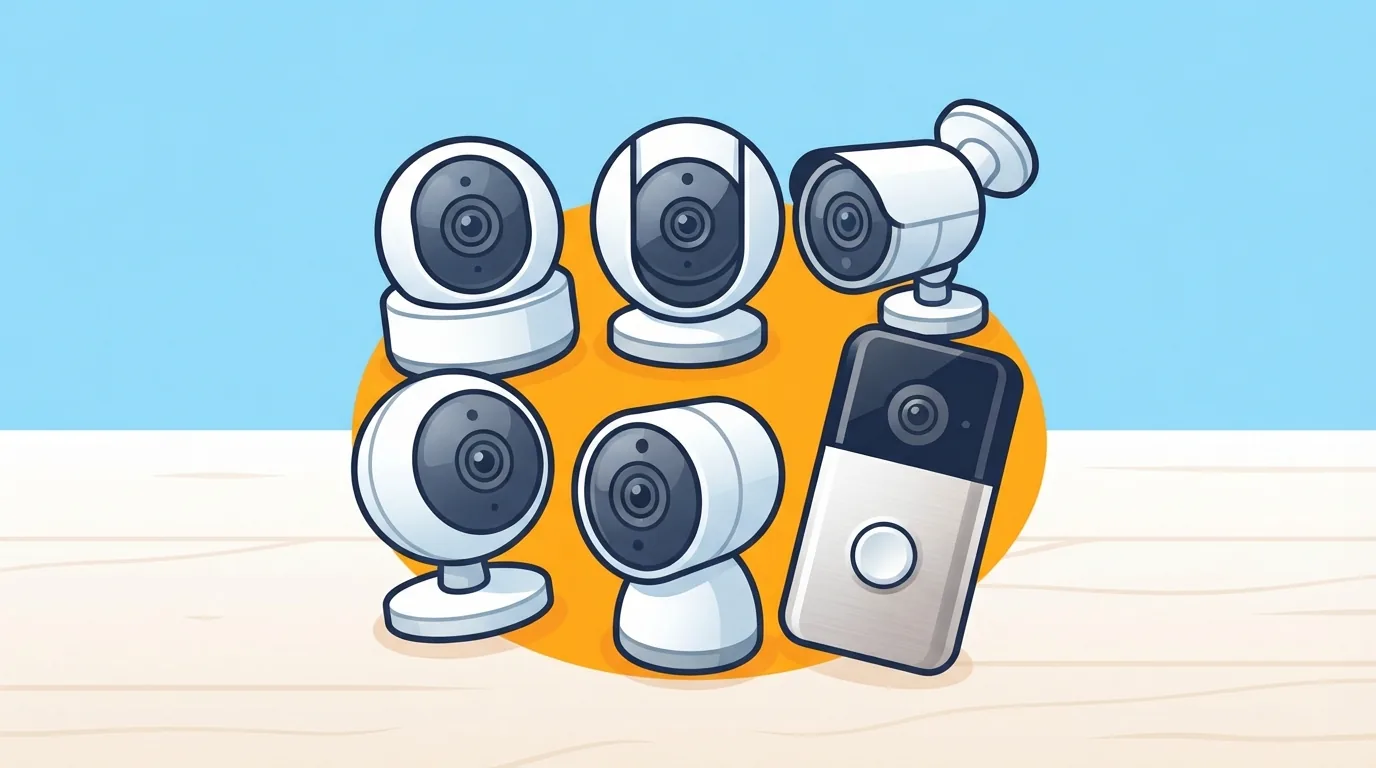
Monthly cloud fees add up fast. A camera that costs less than a nice dinner can quietly become a yearly bill once you add video history, person alerts and package detection. This guide focuses on cameras that record to a microSD card or local hub and keep their core features working without a plan.
As an Amazon Associate I earn from qualifying purchases.
🛒 Recommended Product
A note on method: we did not run lab tests. The picks below are based on manufacturer spec pages, retailer listings and published reviews, and every product fact is stated as listed by the manufacturer. Specs, features and prices change, so confirm them on the manufacturer or retailer page before you buy.
- Quick Picks: Best No-Subscription Cameras at a Glance
- What “No Subscription” Actually Means
- How We Chose: Selection Criteria
- Best Overall Home Security Camera With No Subscription
- Best Budget Pick
- Best Outdoor Security Camera Without a Subscription
- Best Solar-Powered Camera for Hard-to-Reach Spots
- Best Floodlight Camera With No Monthly Fee
- Best Video Doorbell Without a Subscription
- Best Indoor Camera and Best for Apple Home
- Head-to-Head Comparison Table
- Hidden Costs to Watch
- Buyer’s Checklist Before You Click Buy
- FAQ
- Final Verdict: Which One Should You Buy?
- “No subscription” usually means local storage on a microSD card or hub, not that every feature is free.
- Check which AI detections are free. One budget favorite here keeps person and package detection behind a paid plan.
- Match the camera to the spot: wired for indoors, solar or battery for hard-to-wire places, a doorbell for the front door.
- Budget for a microSD card and, for some models, a hub or chime sold separately.
Quick Picks: Best No-Subscription Cameras at a Glance
- Best overall: Tapo C120, a 2K camera with free AI detection and microSD storage.
- Best budget: Wyze Cam v4, a 2.5K wired camera with free local recording (person detection needs a paid plan).
- Best outdoor, best solar and best floodlight: Tapo C615F KIT, a solar-powered pan-and-tilt camera with a built-in floodlight.
- Best doorbell: eufy Video Doorbell C30, with local microSD storage and no monthly fee.
- Best for Apple Home: eufy Indoor Cam E30, an indoor pan-and-tilt camera that works with HomeKit.
What “No Subscription” Actually Means
The phrase covers a few different things, and it helps to separate them before comparing models.
Local storage versus cloud storage
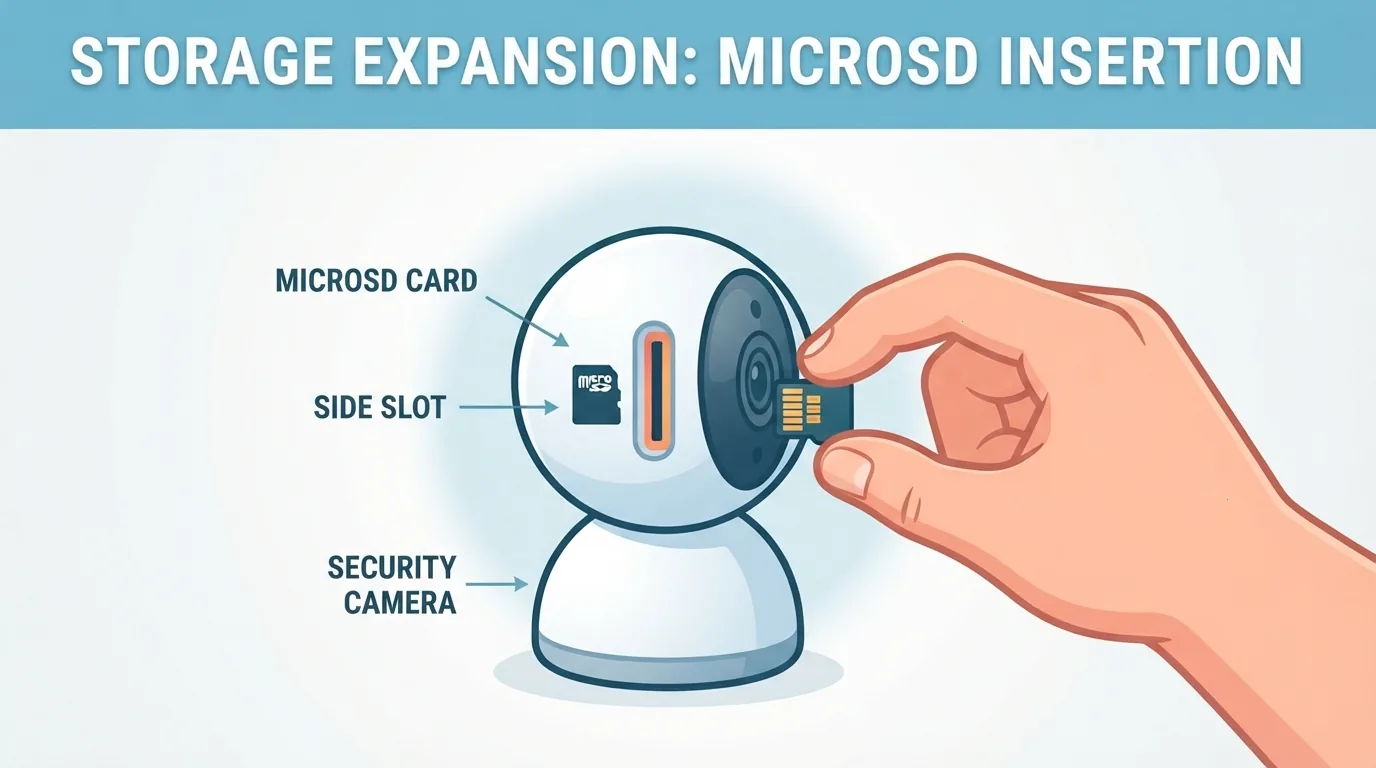
Local storage means the video is saved on a microSD card inside the camera, or on a separate hub. Cloud storage means the video is saved on the manufacturer’s servers, which usually costs a monthly or yearly fee. Per the manufacturers, every pick in this guide can record locally, and each brand also sells an optional cloud plan.
Free features versus paid extras
Live viewing, motion alerts and local recording are generally free. Smart detections such as person, pet, package and vehicle alerts vary by brand. TP-Link lists person, pet and vehicle detection as free on the Tapo C120. Wyze says every camera includes motion detection, while person, pet, package and vehicle detection come with its paid plans.
What you give up by skipping a plan
Without a cloud plan, your footage lives on the device. If someone takes the camera, the card goes with it. You also won’t get off-site clip history. For many households that is an acceptable trade, but it is worth knowing before you buy.
How We Chose: Selection Criteria
- Resolution and night vision: 2K-class or better, with color or infrared night vision.
- Free AI detection: which alerts work without a paid plan.
- Storage: microSD support, the listed maximum card size, and whether a card is included.
- Ecosystem: Alexa, Google Home and Apple Home compatibility.
- Power and weather rating: wired, battery or solar, plus an ingress rating where listed.
- Privacy basics: two-factor sign-in, firmware updates and a clear storage policy.
Best Overall Home Security Camera With No Subscription
Verdict: Tapo C120. TP-Link lists 2K QHD (4MP, 2560 × 1440) video, a microSD slot supporting cards up to 512 GB, and free person, pet and vehicle detection. It also supports Alexa and Google Home, and its cloud storage is a paid option.
Who it suits: anyone who wants a sharp, inexpensive camera that sends smart alerts without a plan.
Trade-off: It is powered by a USB cable, so it needs an outlet. I found no weather rating in the sources reviewed, so treat it as an indoor-first camera unless the manufacturer states an outdoor rating for your model.
Best Budget Pick
Verdict: Wyze Cam v4. Wyze lists 2.5K QHD resolution, color night vision, an IP65 rating and USB power. Adding a microSD card gives free around-the-clock local recording.
Who it suits: shoppers who want the lowest entry price and mainly care about recording to a card and checking in on a live view.
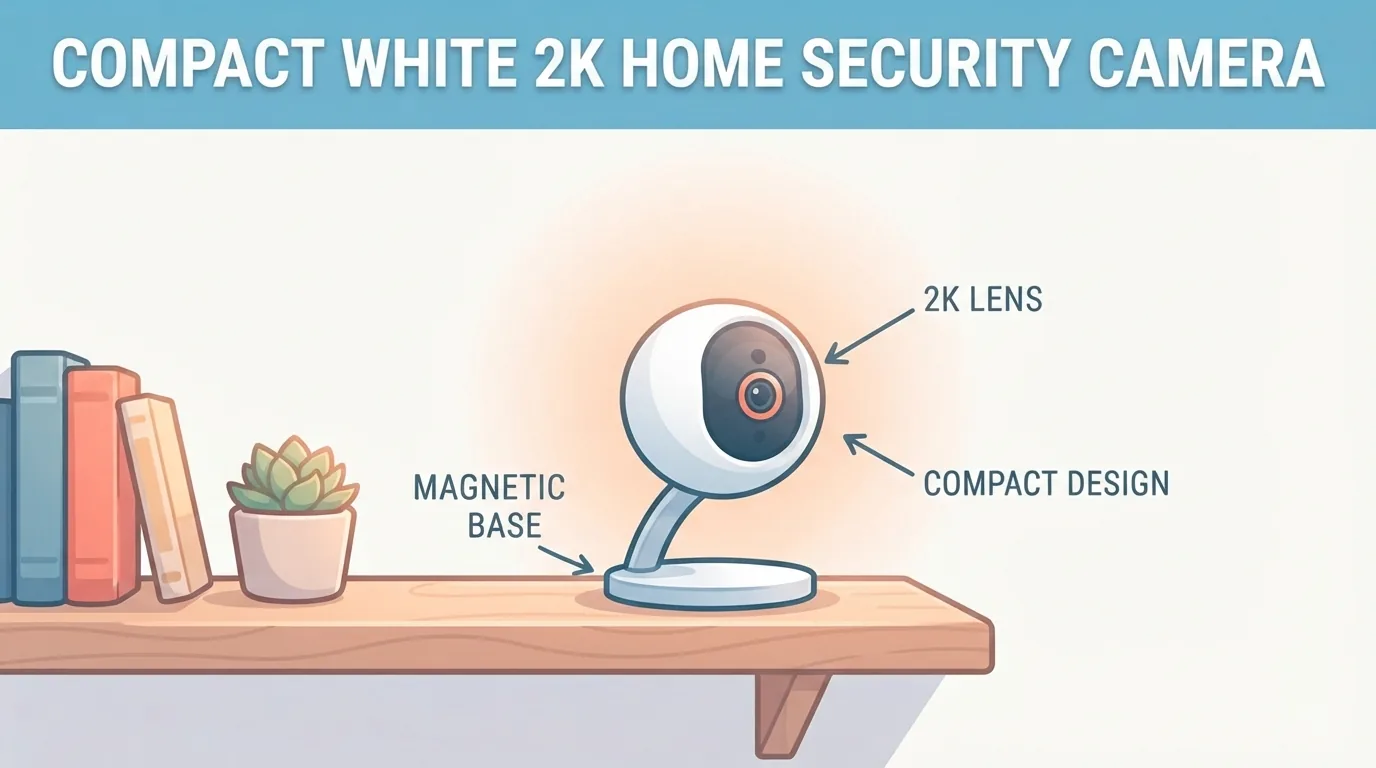
Trade-off: Person, pet, package and vehicle detection are part of Wyze’s paid plans. Wyze’s own pages list a different maximum card size in different places (256 GB and 512 GB), so check the spec sheet for the version you are buying.
Best Outdoor Security Camera Without a Subscription
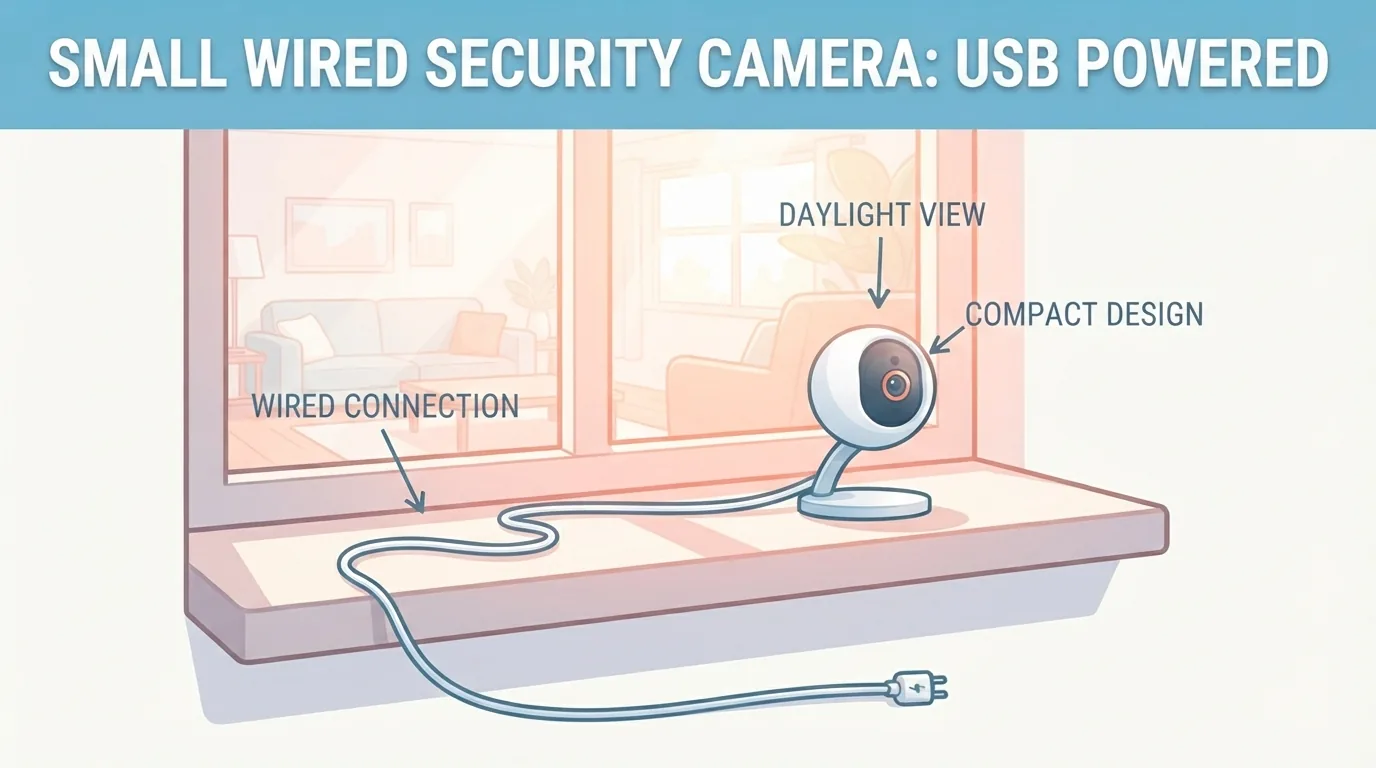
Verdict: Tapo C615F KIT for battery-and-solar setups; Wyze Cam v4 for a wired outdoor spot. TP-Link lists IP65 protection for both the C615F camera and its solar panel, and Wyze lists IP65 for the v4.
When choosing for outdoors, look at three things. First, a listed ingress rating such as IP65. Second, a listed operating temperature range, which TP-Link provides for the C615F. Third, whether you can run power to the spot. If you cannot, a solar or battery camera is the practical choice.
Best Solar-Powered Camera for Hard-to-Reach Spots
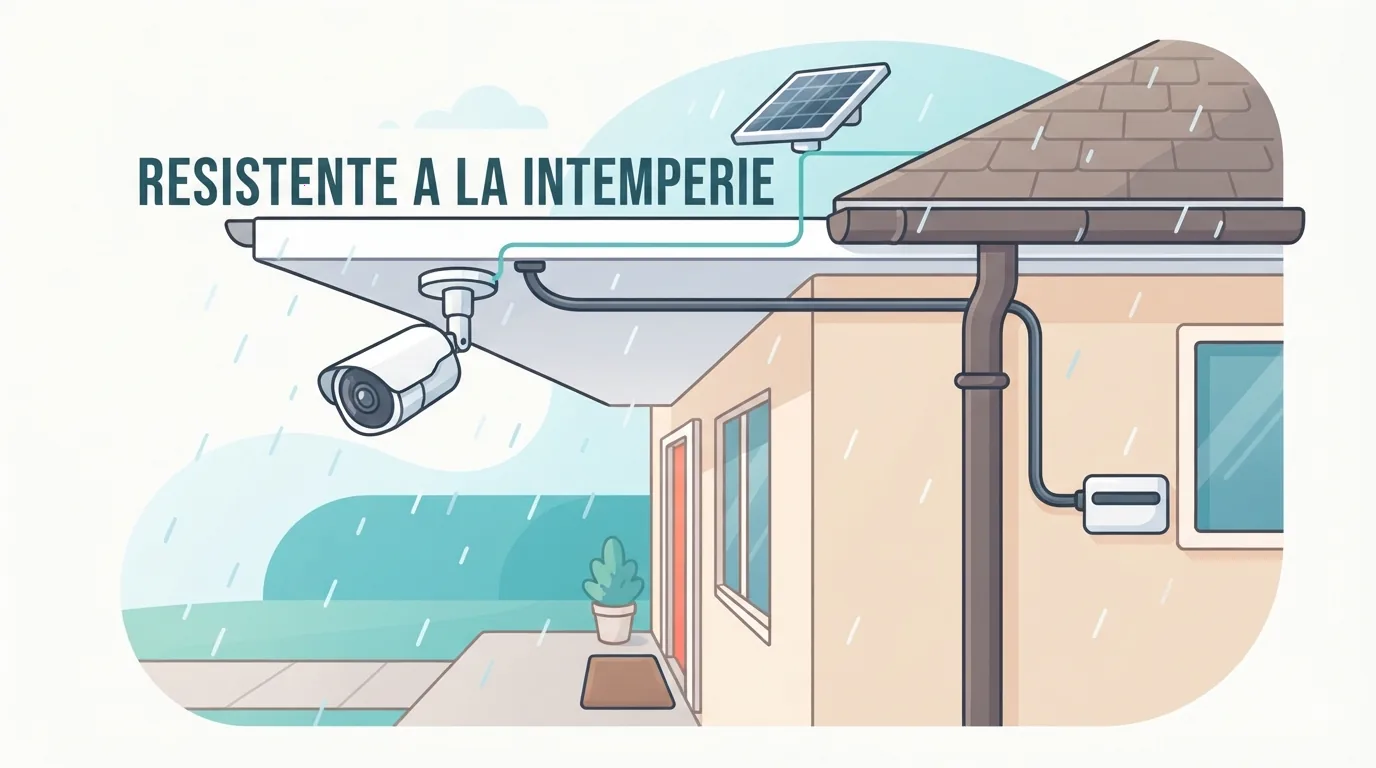
Verdict: Tapo C615F KIT. It combines a built-in rechargeable battery with the included Tapo A201 solar panel. TP-Link says 45 minutes of direct sunlight a day keeps it charged, and cites a 140-day battery life from its own lab tests at 300 seconds of use per day. Both are manufacturer figures, and heavy live viewing will drain the battery faster.
Placement matters: the panel needs good sun, so a shady wall will cut into charging. A reviewer also warned to position the panel carefully. TP-Link notes that one panel connects to only one camera.
Maintenance: wipe the panel now and then, and check the battery level in the app, especially in winter.
Best Floodlight Camera With No Monthly Fee
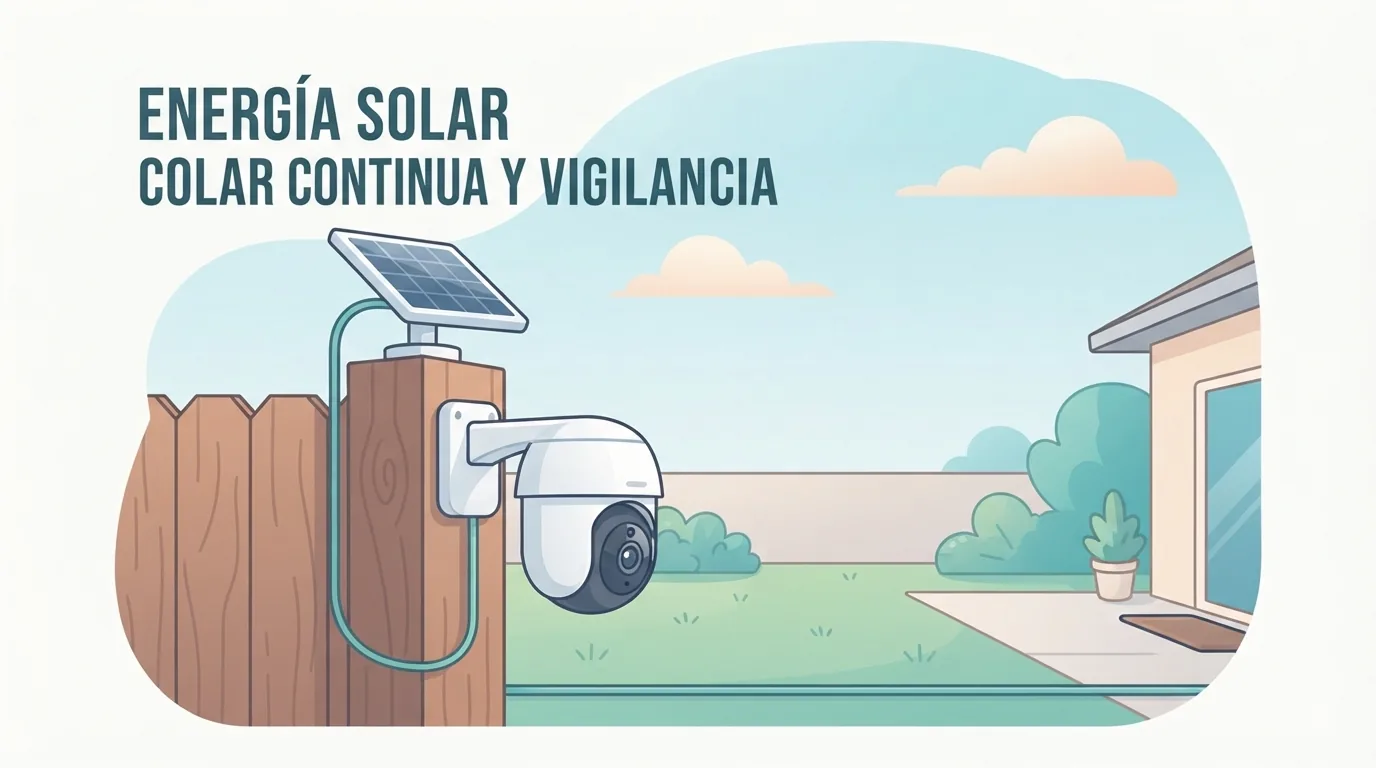
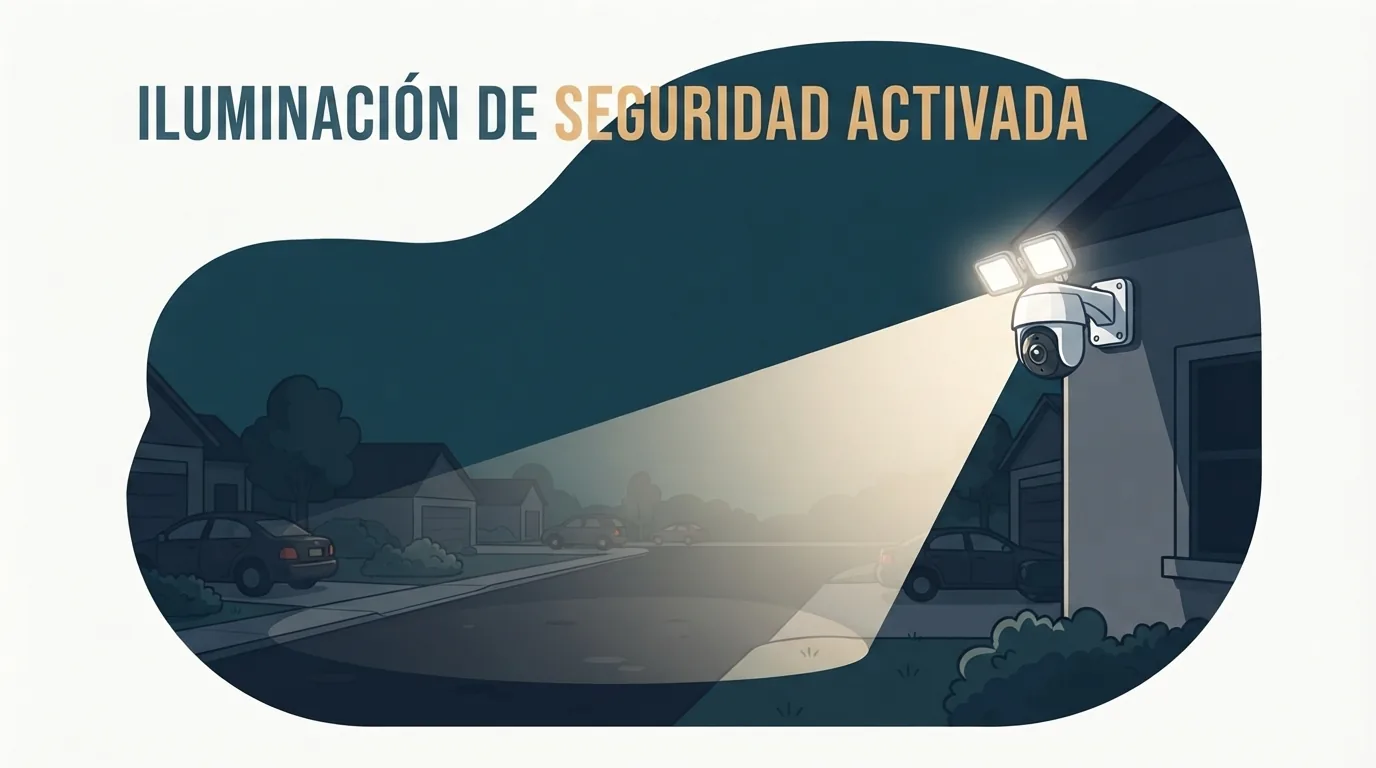
Verdict: Tapo C615F KIT. Per TP-Link, it includes an 800-lumen floodlight that can be motion-activated or controlled from the app, plus two built-in spotlights and full-color night vision.
🛒 Recommended Product
Why it helps: a light that comes on when something moves gives you a color picture and may discourage someone from lingering. It also saves you from buying a separate light.
Trade-off: a floodlight on a battery camera uses extra power, so set sensible motion zones and brightness.
Best Video Doorbell Without a Subscription
Verdict: eufy Video Doorbell C30. eufy lists 2K resolution, a built-in 5,000 mAh battery, and microSD storage up to 128 GB with no monthly fee. It works with Alexa and Google Assistant and pairs with eufy’s HomeBase S380 and MiniBase Chime.
Check before you buy:
- Some bundles include a microSD card and some do not.
- eufy says it is not compatible with Apple HomeKit or with its older Wi-Fi chimes.
- The HomeBase hub, which adds expandable storage, is sold separately.
Best Indoor Camera and Best for Apple Home
Verdict: eufy Indoor Cam E30. eufy lists 4K video through its own app, pan-and-tilt coverage, AI detection, a microSD slot, and compatibility with HomeKit, Alexa and Google Assistant.
The catch: eufy states that video in Apple Home is limited to 1080p. Coverage conflicts on HomeKit Secure Video support, so confirm it on the product page if that feature matters to you.
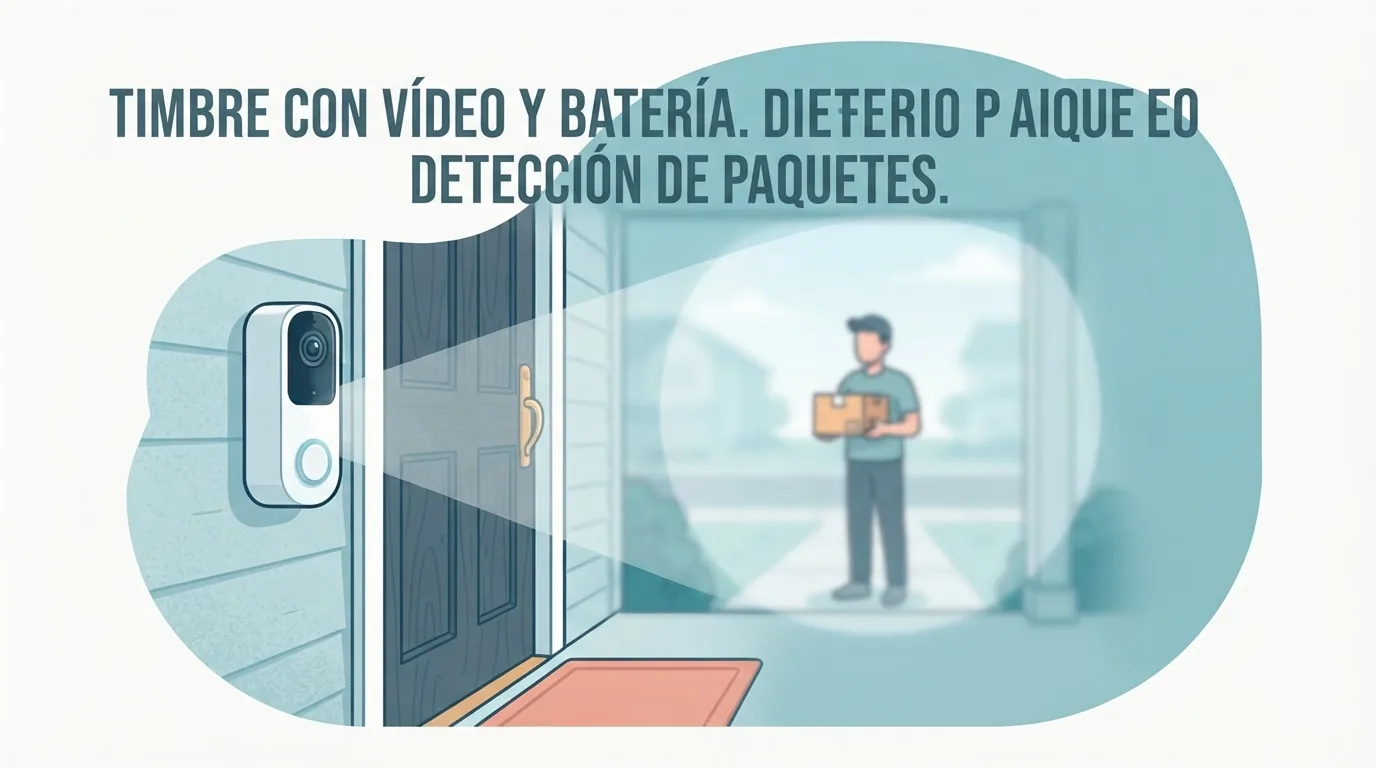
What to look for indoors: a physical privacy mode, two-way audio, and pan and tilt if you want to cover a large room.
Head-to-Head Comparison Table
Details are per the manufacturers and may change. Confirm specs and prices before buying.
| Camera | Resolution | Local storage | Free detection | Smart home | Power | Price band | Best for |
|---|---|---|---|---|---|---|---|
| Tapo C120 | 2K (4MP) | microSD, up to 512 GB | Person, pet, vehicle | Alexa, Google Home | USB, wired | Budget | Best overall |
| Wyze Cam v4 | 2.5K QHD | microSD, check listed max | Motion only; smart detections need a plan | Alexa, Google Assistant | USB, wired | Budget | Lowest cost |
| Tapo C615F KIT | 2K (2304 × 1296) | microSD, up to 512 GB | Check spec page | Alexa, Google | Battery plus solar | Mid-range | Outdoor, solar, floodlight |
| eufy Video Doorbell C30 | 2K | microSD, up to 128 GB | Check product page | Alexa, Google Assistant | Built-in battery | Budget to mid-range | Front door |
| eufy Indoor Cam E30 | 4K (1080p in Apple Home) | microSD slot | Check product page | Apple Home, Alexa, Google | Wired | Mid-range | Apple Home users |
Paid extras: Tapo Care cloud storage requires a subscription, and Wyze’s smart detections come with its paid plans.
Hidden Costs to Watch
- microSD cards: most cameras do not include one. Choose a high-endurance card made for continuous recording, and stay under the listed maximum size.
- Hubs and chimes: the eufy doorbell’s hub and chime are sold separately.
- Solar panels: some cameras need an extra panel, so check whether one is in the box.
- Optional plans: a cloud plan can be worth it if you want off-site backup or smarter alerts. If you do not need those, skip it.
Prices change often, so use current retailer pages rather than numbers printed in an article.
Buyer’s Checklist Before You Click Buy
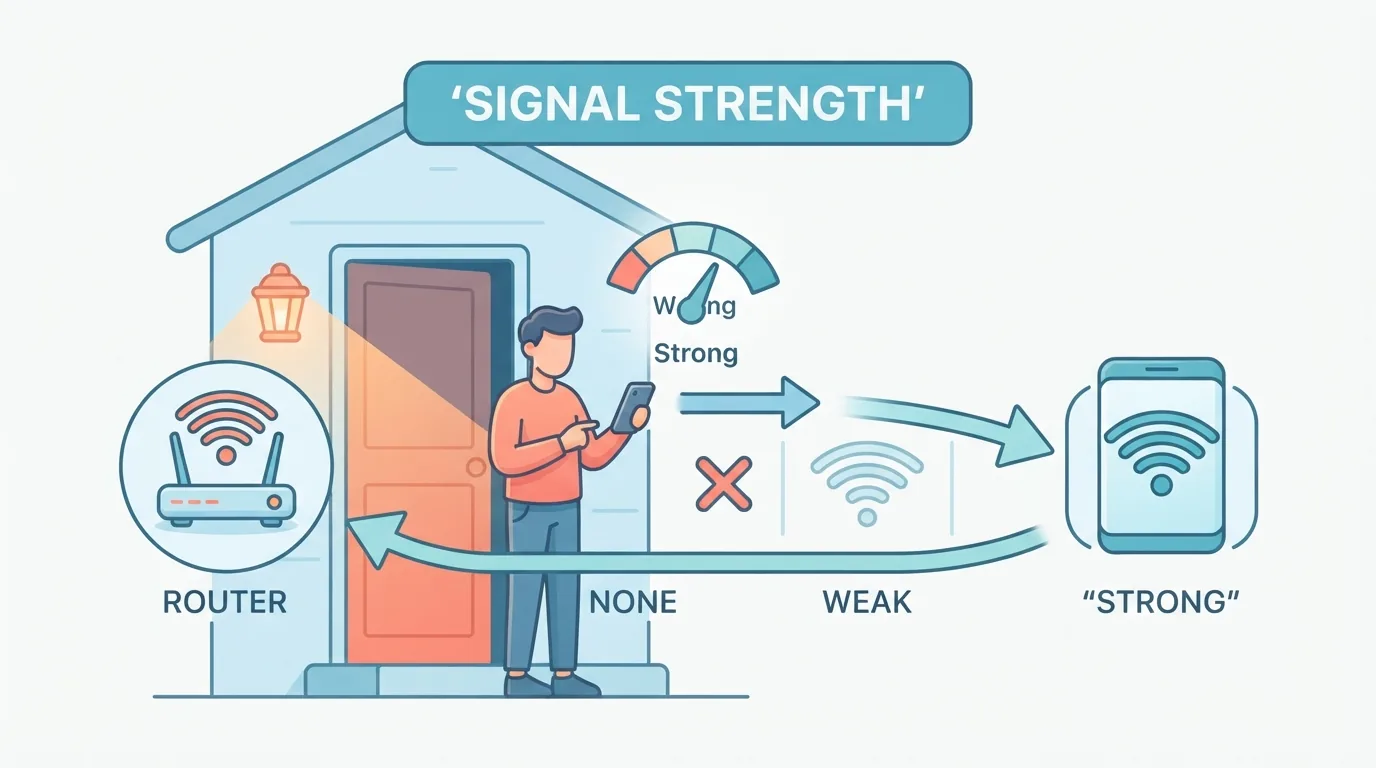
- Wi-Fi coverage: check signal at the exact mounting spot. Several picks here use 2.4 GHz Wi-Fi only.
- Storage math: as a rough estimate only, continuous 2K recording can fill a 128 GB card in about 3 to 6 days. Motion-only recording lasts much longer.
- Power access: decide between wired, battery and solar before you shop.
- Ecosystem fit: confirm Alexa, Google Home or Apple Home support for your setup.
- Free versus paid features: read which detections need a plan.
- Return policy and updates: check the return window and whether the brand keeps shipping firmware updates.
FAQ
Can a camera work with no subscription at all?
Yes. The cameras here record to a microSD card without a plan. Some extras, such as cloud storage or smarter alerts, may be offered as paid add-ons.
Do I need Wi-Fi for local storage?
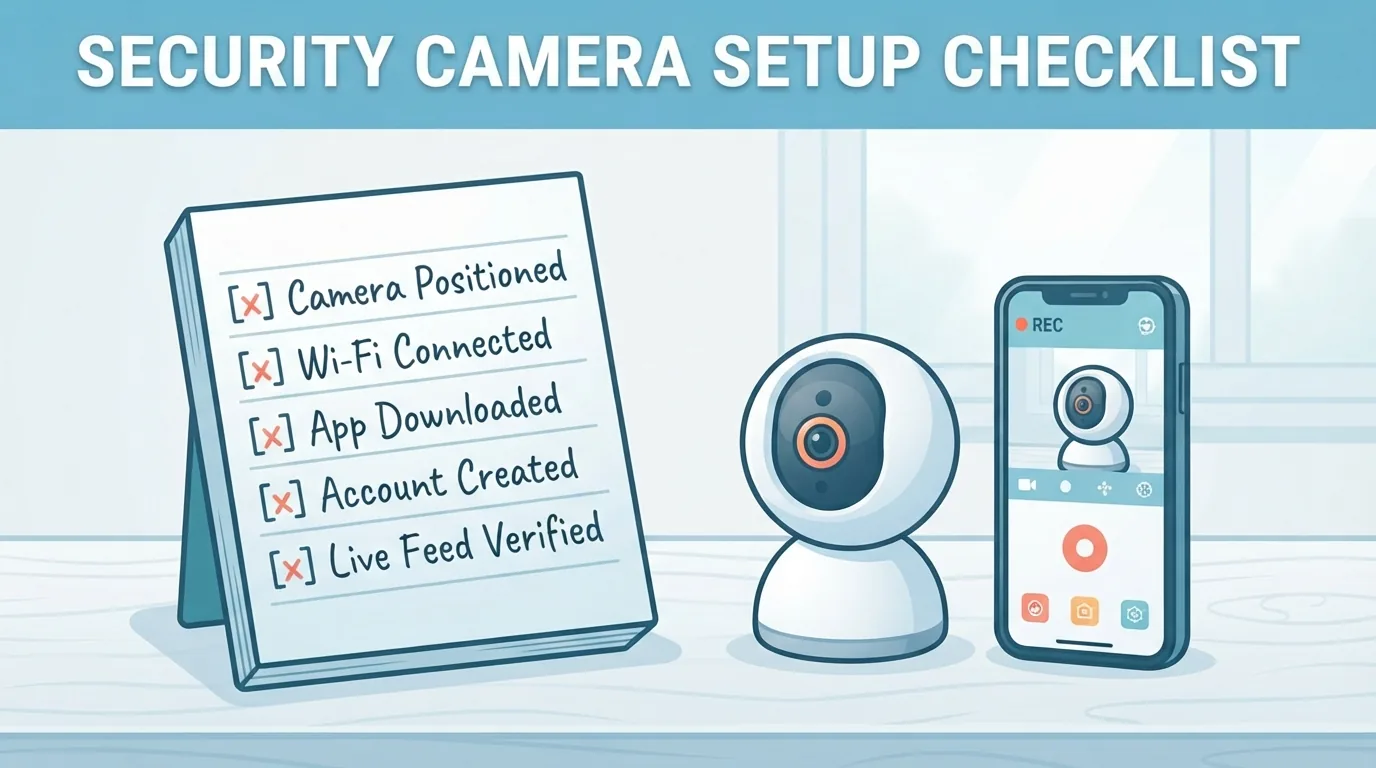
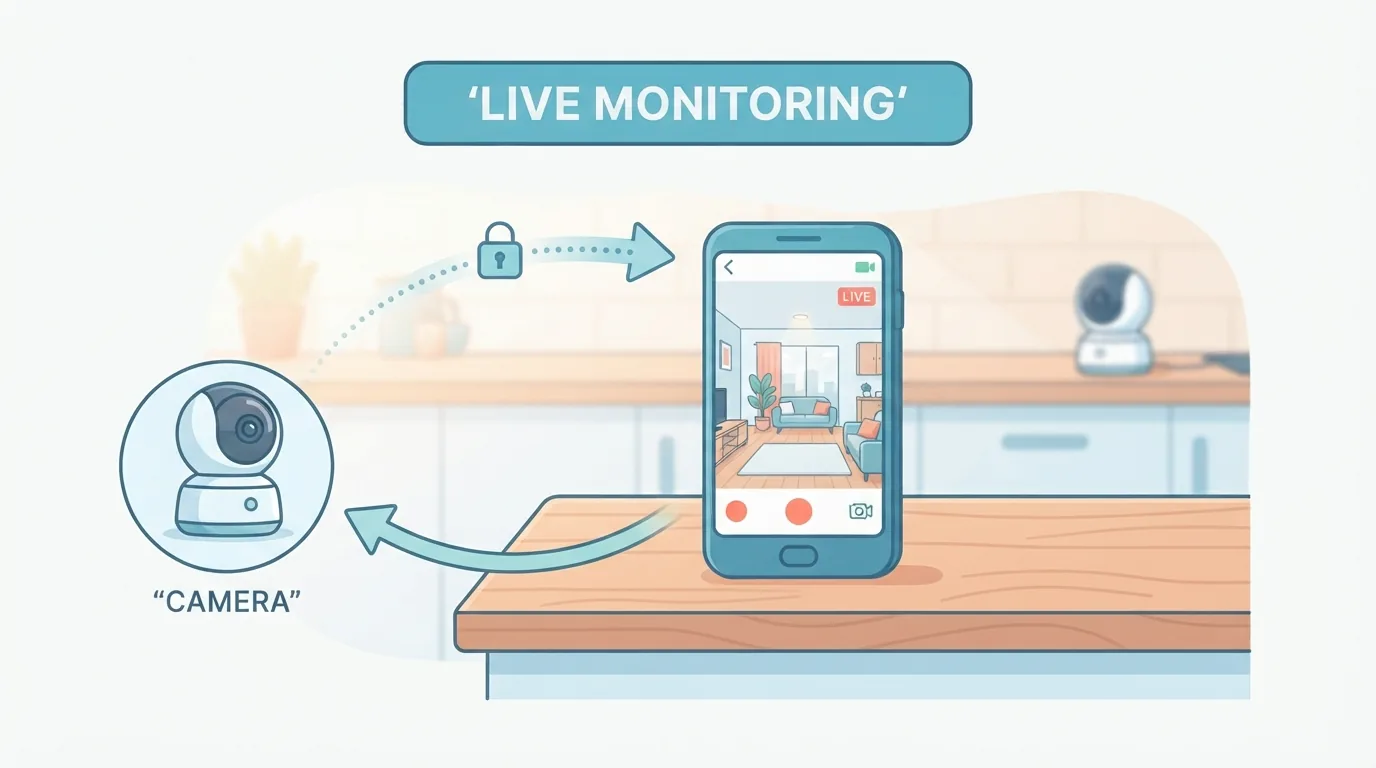
The card records locally, but you need Wi-Fi to set up the camera, view it remotely and receive alerts. Setup and remote viewing depend on the app.
What happens if the microSD card fills up?
Most cameras overwrite the oldest footage once the card is full. Check the camera’s settings, and use a card size within the listed maximum.
Are no-subscription cameras safe from hacking?
Any connected camera can be at risk. Use a strong, unique password, turn on two-factor authentication where offered, and keep the firmware updated.
Is local storage safe if a thief steals the camera?
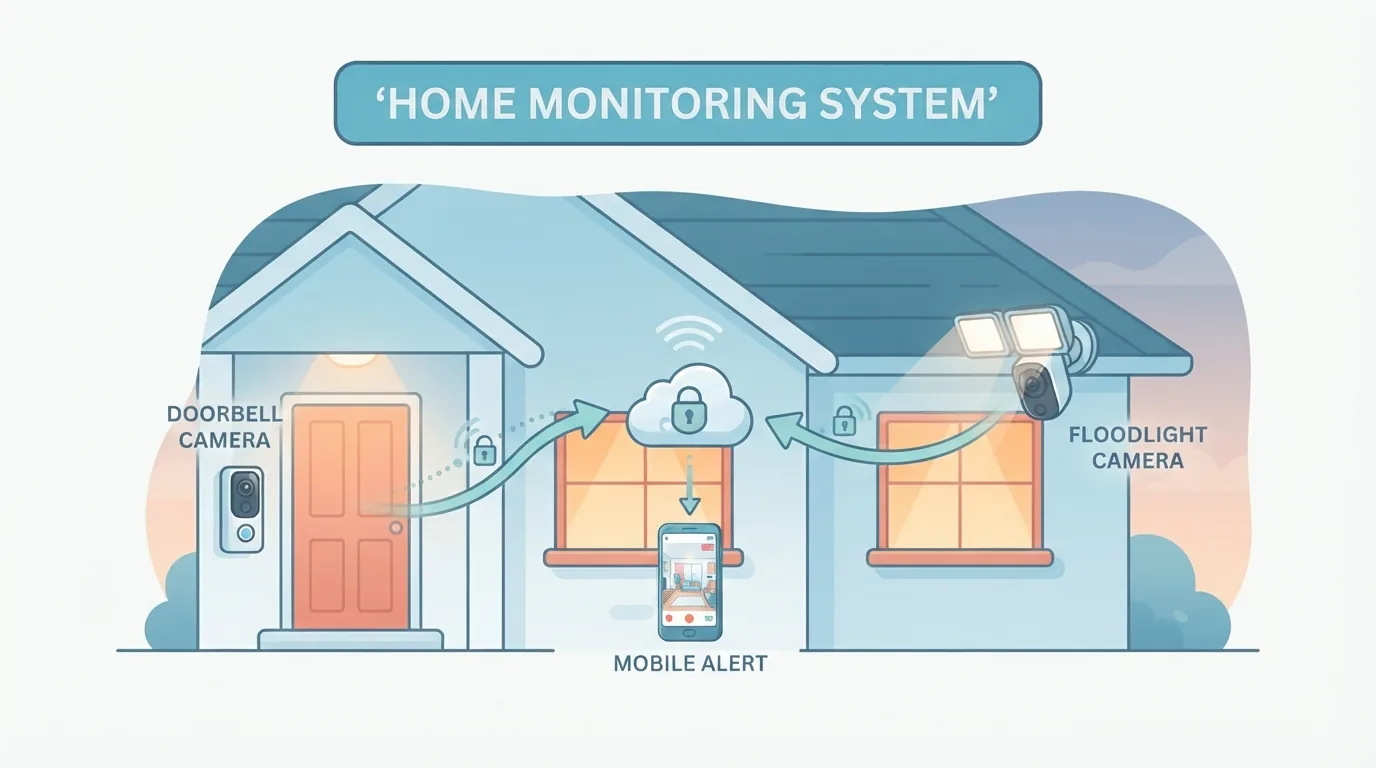
Not by itself. A thief can take the camera and its card. A hub, a mounting spot out of easy reach, or an optional cloud backup can reduce that risk.
Final Verdict: Which One Should You Buy?
- Best all-rounder: Tapo C120.
- Lowest price, wired: Wyze Cam v4, if you can live without free smart detections.
- No outlet nearby, or you want light: Tapo C615F KIT.
- Front door: eufy Video Doorbell C30.
- Apple Home household: eufy Indoor Cam E30.
Whichever you choose, confirm current specs, included accessories and which features are free on the manufacturer page first.
Want more comparisons and buying guides?