⚠️ This page connects you to Atovia’s partners and affiliate markets. We may receive a commission from affiliate partners for activities made through these links. Discount offers may change at any time according to policy! Rest assured, there are no additional costs to you! We hope this saves you time in finding the right items!
- 1. Getting Started with Fashion Design in Sims FreePlay
- 2. How to Access the Wardrobe and Clothing Customization Menu
- 3. Exploring Clothing Categories and Outfit Options
- 4. How to Unlock New Fashion Items and Expand Your Wardrobe
- 5. Using the Fashion Studio for Advanced Style Customization
- 6. Pro Tips for Creating Stylish and Unique Sim Outfits
Sims FreePlay gives players a surprisingly deep fashion design experience, letting you dress each Sim in personalized outfits that reflect unique personalities and styles. Whether you are brand new to the game or looking to step up your styling game, this guide walks you through everything you need to know about fashion design in Sims FreePlay — from opening the wardrobe for the first time to mastering advanced outfit combinations.
- Fashion design is accessed through your Sim’s wardrobe or a wardrobe furniture piece placed in their home.
- Clothing is organized into categories including tops, bottoms, dresses, shoes, accessories, and hairstyles.
- New clothing items are unlocked through level progression, Simoleons, Life Points, and limited-time events.
- The Fashion Studio allows full outfit previewing and multi-slot outfit saving for different occasions.
- Participating in seasonal fashion events is the best way to collect exclusive, rare clothing pieces.
1. Getting Started with Fashion Design in Sims FreePlay
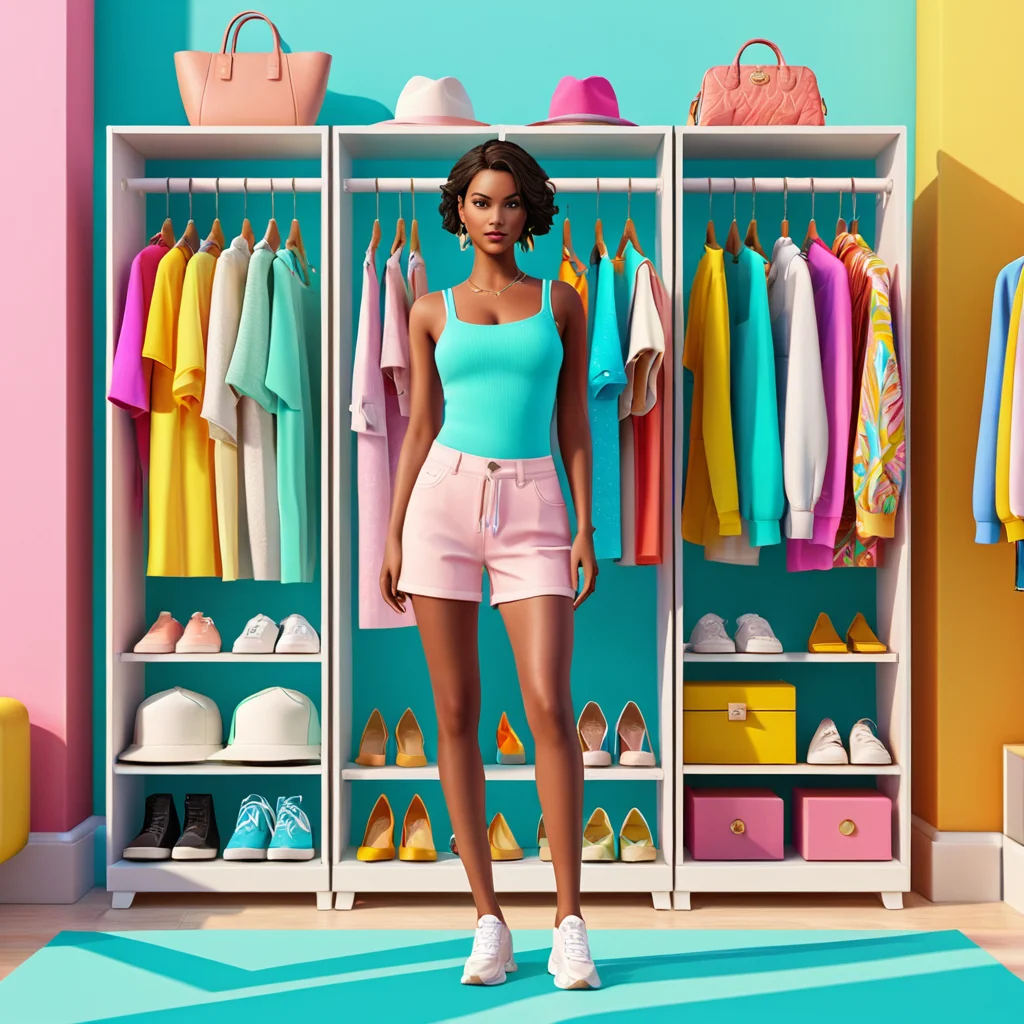
Fashion design in Sims FreePlay is built into the core of the gameplay experience. From the moment you create your first Sim, you have access to basic clothing customization tools that allow you to shape how your Sim looks and presents themselves to the world.
To get started, you need at least one active Sim living in your town. The game introduces clothing customization early in the tutorial phase, giving you a feel for the wardrobe system before you dive deeper into the more advanced features. As your player level increases and you complete in-game goals, new fashion tools, clothing categories, and outfit options become available to you.
Understanding the two main in-game currencies is essential before you start shopping for clothes. Simoleons are the standard currency earned through everyday gameplay activities, while Life Points (LP) are the premium currency used to unlock higher-end and exclusive fashion items. Managing both wisely will give you the greatest variety in your wardrobe over time.
2. How to Access the Wardrobe and Clothing Customization Menu
There are two reliable methods for accessing the full fashion design interface in Sims FreePlay. Both lead to the same clothing customization screen, so choose the method that works best for your current gameplay situation.
Method 1 — Tap Your Sim Directly: Tap on any Sim in your town to bring up their interaction menu. Look for the wardrobe or outfit icon within the options and tap it to open the clothing customization screen for that specific Sim. This is the quickest way to make a fast outfit change on the go.
Method 2 — Use Wardrobe Furniture: Place a wardrobe, dresser, or closet furniture item inside your Sim’s home. Tap your Sim, then direct them to interact with the wardrobe furniture. This method unlocks the most complete version of the fashion design interface, including all outfit slot options and the full catalog of available clothing.


Once inside the wardrobe menu, your Sim appears as a full 3D model at the center of the screen. Category tabs allow you to switch between clothing types instantly, and a live preview updates in real time as you select and swap items.
🛒 Recommended Product
3. Exploring Clothing Categories and Outfit Options

The Sims FreePlay wardrobe system organizes all clothing and accessories into clearly defined categories. Browsing each category reveals the full range of available items, from budget-friendly basics to premium statement pieces.
| Category | Item Examples | What You Can Customize |
|---|---|---|
| Tops | T-shirts, blouses, sweaters, jackets | Style, color, and pattern |
| Bottoms | Jeans, skirts, shorts, trousers | Cut, color, and fabric style |
| Dresses and Jumpsuits | Casual dresses, maxi dresses, gowns | Length, color, and occasion type |
| Shoes | Sneakers, heels, boots, sandals | Style and color |
| Accessories | Hats, sunglasses, bags, jewelry | Shape, color, and style |
| Hairstyles | Short cuts, long waves, braids, curls | Hair type and color |
Items you have already unlocked or purchased appear in full color and can be applied to your Sim immediately. Locked items appear grayed out or display a price tag showing the Simoleon or LP cost required to unlock them. Scrolling through each category gives you a complete picture of everything available at your current player level.
The multiple outfit slot system adds another layer of depth to clothing customization. You can save entirely different outfits to separate slots — for example, a casual daytime look, a formal evening outfit, an athletic set, and sleepwear. Your Sim will automatically wear the appropriate outfit depending on the activity they are engaged in.
4. How to Unlock New Fashion Items and Expand Your Wardrobe
Expanding your Sim’s wardrobe is an ongoing and rewarding process throughout your time playing Sims FreePlay. New clothing items become available through several different unlock pathways, each requiring a different type of effort or resource investment.
Level Progression: Many clothing items are directly tied to your overall player level. As you level up by completing daily tasks, social goals, and hobby activities, new clothing options are automatically added to your wardrobe catalog without any additional cost.
Simoleon Purchases: The majority of standard everyday clothing can be purchased using Simoleons. You earn Simoleons by having your Sims work jobs, complete hobbies, bake, garden, and interact with neighbors. Keeping a healthy supply of Simoleons gives you the freedom to refresh your Sims’ wardrobes regularly.
Life Points Purchases: Premium and trend-forward clothing items are priced in Life Points. These pieces tend to be more visually distinctive and are often the most fashionable options available in the catalog. LP can be earned slowly through gameplay or purchased directly.
Limited-Time Event Rewards: Sims FreePlay regularly runs seasonal fashion events and themed promotions. Completing event-specific tasks within the event window rewards you with exclusive clothing and accessories that are not available anywhere else in the game. These event items are among the most sought-after pieces in the community.
VIP Membership Perks: Players with active VIP status may receive bonus clothing items, early access to new fashion collections, or special wardrobe rewards as part of their membership benefits.
5. Using the Fashion Studio for Advanced Style Customization
The Fashion Studio is a dedicated feature in Sims FreePlay designed for players who want to take their styling beyond basic wardrobe swaps. It becomes accessible as you progress through the game and represents the most powerful fashion design tool available.
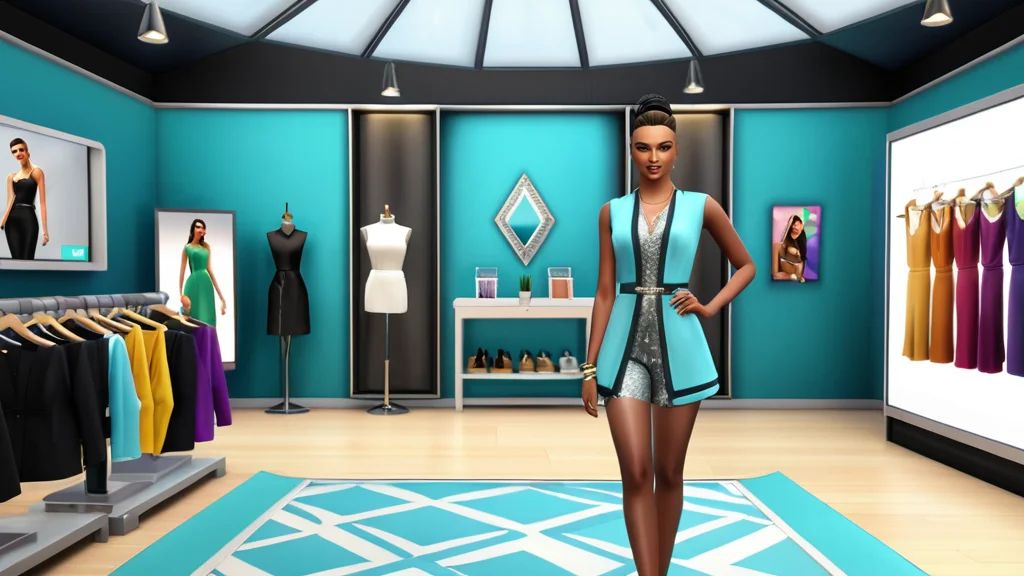
Inside the Fashion Studio, you can preview complete head-to-toe outfits on your Sim before committing to any purchases or changes. This preview functionality is invaluable for experimenting with combinations you might not have considered otherwise. The studio displays your Sim in real time, rotating the view so you can see the full outfit from every angle.
The Fashion Studio also allows you to mix and match items across all clothing categories simultaneously, rather than switching between individual category tabs. This makes the process of building a cohesive outfit much more intuitive and efficient. Once you have finalized a look you love, you can save it to one of your Sim’s dedicated outfit slots for easy access later.
Trend collections curated by the game are also showcased within the Fashion Studio. These collections group complementary pieces together to inspire new outfit ideas and highlight items that work particularly well when combined. Browsing trend collections is a great way to discover styling directions you might not have explored on your own.
6. Pro Tips for Creating Stylish and Unique Sim Outfits
Getting the most out of fashion design in Sims FreePlay is as much about strategy and creativity as it is about the items you collect. These practical tips will help you build more polished, distinctive looks for every Sim in your town.
Build Around a Color Palette: Choose two or three complementary colors and use them as the foundation of each outfit. Coordinated color schemes always look more deliberate and visually appealing than randomly mixed pieces. Use one color as the dominant tone and the others as accents.
Balance Statement and Neutral Pieces: Pair a bold, eye-catching top with neutral bottoms, or anchor a vivid skirt with a simple solid-color shirt. Avoid stacking too many loud patterns or competing colors in a single outfit, as this tends to make the look feel cluttered rather than stylish.
Match Accessories to the Occasion: Dress up formal outfit slots with jewelry, elegant bags, and polished shoes. Keep accessories minimal and functional for casual everyday looks. Thoughtful accessory choices can elevate even a simple outfit significantly.
Refresh Hairstyles Regularly: A new hairstyle can completely transform a Sim’s overall appearance even if the clothing stays the same. Experiment with different hair lengths, textures, and colors to keep each Sim’s look feeling fresh and current.
Never Miss a Fashion Event: Limited-time events are your best opportunity to collect exclusive, rare items that set your Sims apart from others. Prioritize completing event tasks whenever a fashion-themed event is active, even if it means temporarily pausing other gameplay goals.
Save Strategically for Wardrobe Expansions: Rather than spending Simoleons on individual pieces one at a time, save up enough to unlock entire clothing collections or new categories at once. This approach gives you significantly more variety and creative options for the same investment.
Follow In-Game Trend Highlights: Sims FreePlay occasionally surfaces trending styles through curated collections and in-game showcases. Paying attention to these highlights introduces you to combinations and pieces you might have overlooked while browsing on your own.